User Manual
-2-
-1-
English Français Deutsch Español
Quick Start Guide
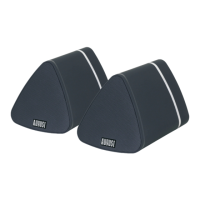
MS625
Note: Before first use, please ensure that both speakers are fully
charged. To charge, use the power cable to connect both speakers to
a powered USB port. Whilst charging, the LED lights red and turns
off once fully charged.
Both speakers need to be paired to each other prior to pairing to a
source device.
1.Switch the secondary speaker on first.
2. Then switch the main speaker on. Once paired together, the
speakers will say "Bluetooth" and status LEDs will light blue
constantly.
3. To pair a source device, press and hold the multi-function switch
on the main speaker to enter pairing mode. In pairing mode the
status LED will flash blue.
4. Pair your source device with 'MS625' using its Bluetooth settings.
If you are unfamiliar with the Bluetooth feature of your source
device, refer to its user manual for detailed instructions.
5. Once successfully paired, the MS625 will say "Bluetooth" and the
status LEDs will light blue constantly.
Thank you for purchasing the August MS625 Bluetooth Speaker Set.
This user manual is designed to familiarize you with all the features
of this device. Please take the time to read this user manual carefully,
even if you are already familiar with a similar product.
Safety
To ensure the safety of you and others, please read the Safety
Instructions before using this device. Please do not disassemble this
product, it can be unsafe and will invalidate the manufacturer's
warranty.
Disposal
Please ensure the product and accessories are disposed of in
compliance with the WEEE (Waste Electrical and Electronic
Equipment) Directive and any other regulations applicable to your
country. Always check with the environment agency and any other
relevant authorities for current disposal regulations.
Customer Service
You can contact us by phone on: +44 (0)845 250 0586 or by email at:
service@augustint.com should you require further technical support
or customer service.
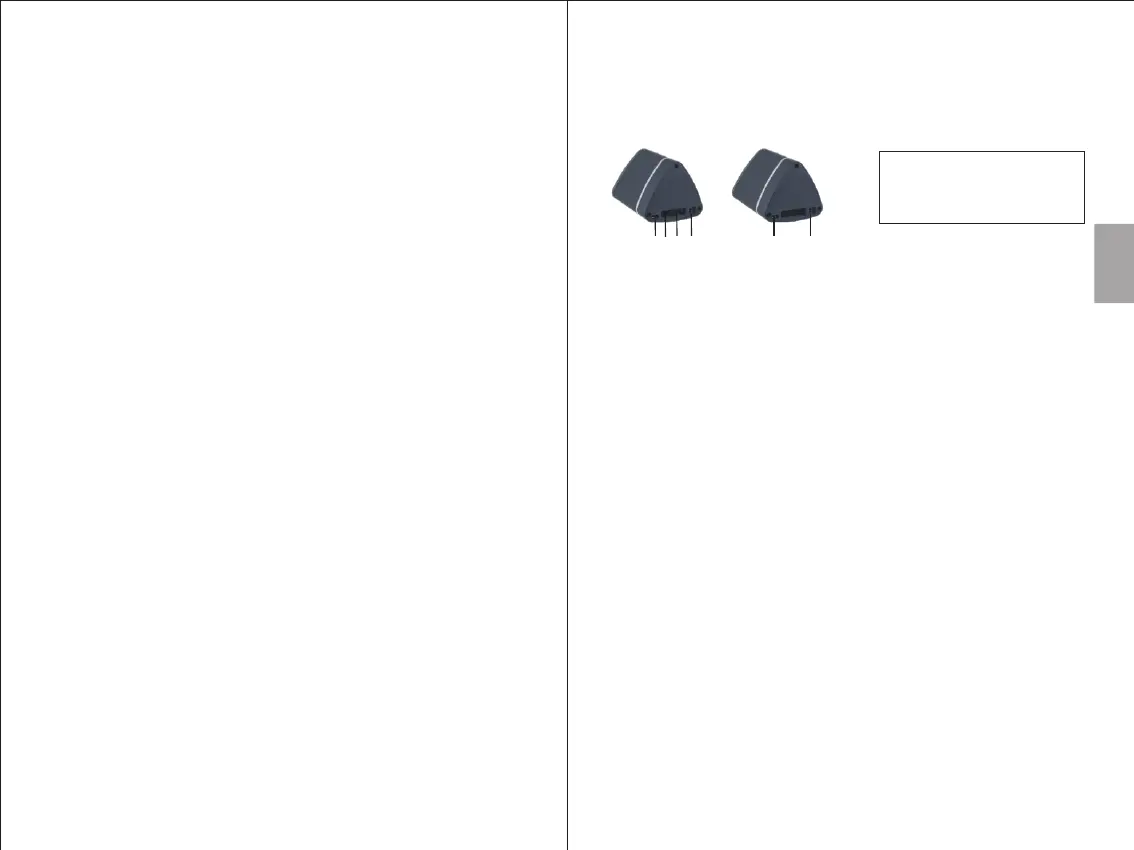
1. USB Charging Port
2. Audio in Socket
3. Multifunction Switch
4. Power Switch
Main (Left)
Secondary (Right)
1
1
2
3
4
4


 To Next Page