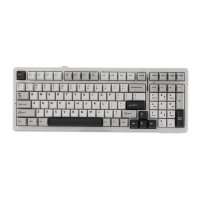
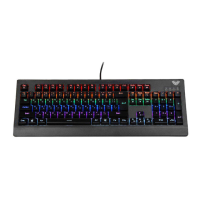
• Press FN+left CTRL, the left CTRL red light is on, and the F area function and the number
function are swapped.
• Press FN+ESC (hold 3s) to restore the factory default lighting mode. The previously connected
Bluetooth device will not be cleared.
• In the default factory settings, the keys ‘1!’to ‘=+’+ Fn = F1 to F12
Key
Single
press
Single
press
Key
Fn
combination
Fn
combination
1 2 3 4 5 6 7 8
1 2 3 4 5 6 7 8
F1
9 0
-_
=+
9 0
-_
=+
F2 F3 F4
F9 F10 F11 F12
F5 F6 F7 F8
Key
Single
press
Single
press
Key
Fn
combination
Fn
combination
1 2 3 4 5 6 7 8
1 2 3 4 5 6 7 8
F1
9 0
-_
=+
9 0
-_
=+
F2 F3 F4
F9 F10 F11 F12
F5 F6 F7 F8


 To Next Page