Assembly Instruction
UniPC
PRELIMINARY REMARK / INSTALLATION
SYSTEM REQUIREMENTS INSTALLATION STEP 1:
I
NSTALL THE SOFTWARE UNIPC
Download the software UniPC through this link:
http://www.aumueller-gmbh.de / Downloads / Software
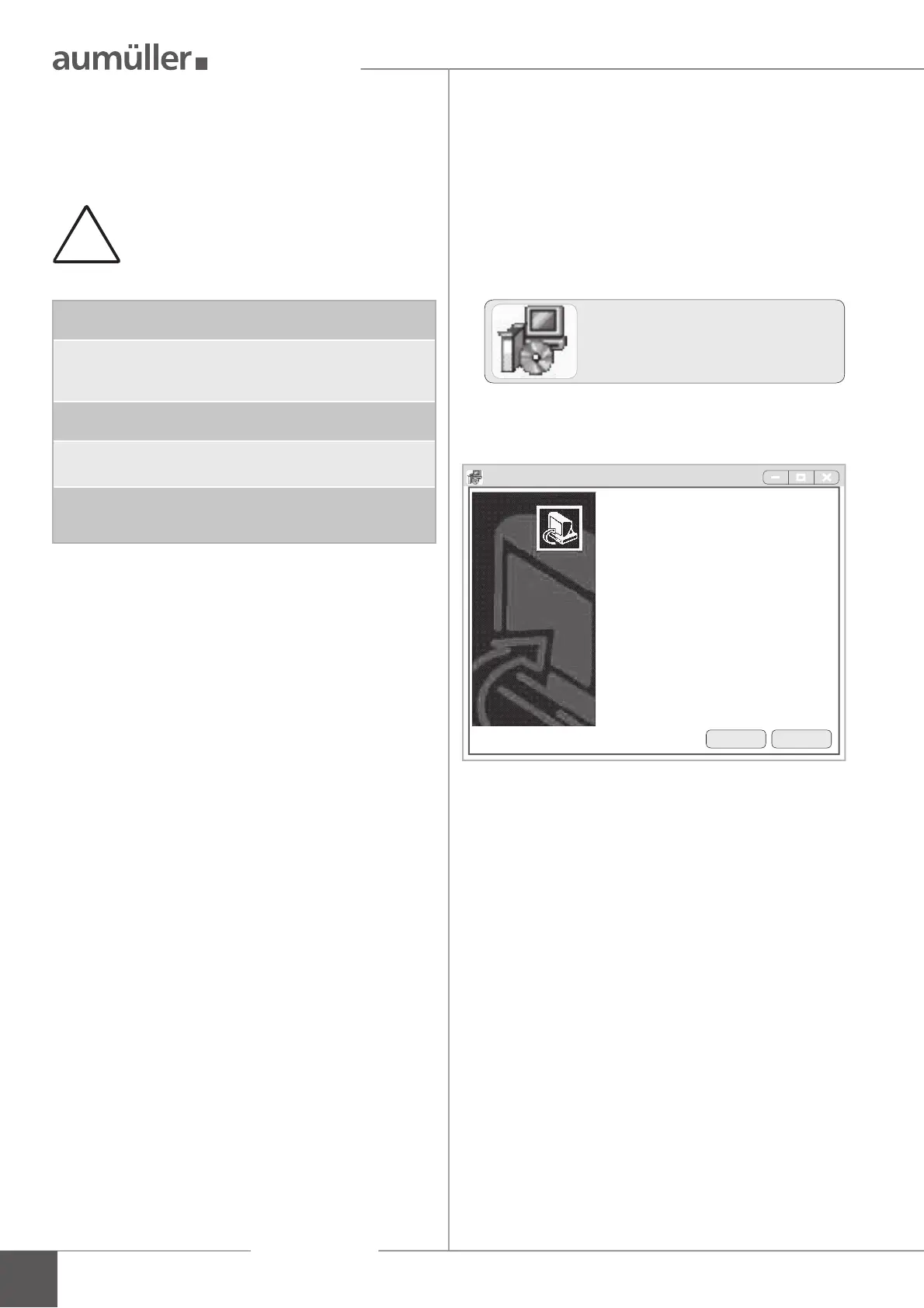
Double-click on the icon UniPC_setup_x.x and the
installation starts on the Windows computer.
Follow the instructions of the setup wizard.
The program can be installed on a computer with at least
the following characteristics:
!
The software UniPC is designed exclusively
for the parameterisation of the A
UMÜLLER
drives indicated in this instruction.
CPU:
1 GHz or faster.
Operating systems:
Microsoft® Windows 7
Microsoft® Windows 10
Memory:
512 MB RAM or more
Hard disk:
at least 100 MB free memory space required
Accessories:
USB connection for connecting computer<>Control Unit,
Internet connection for system installation and updates.
2
UniPC_setup_x.x.exe
Welcome to
Universal parameterisation
Setup Wizard
This wizard will install now UniPC 3.1.18.06 on your
computer.
You should close all other applications before procee-
ding with the Setup.
„Next“ to continue, „Cancel“ to exit.
Setup - Universal drive parameterisation
Next Cancel



 To Next Page