EasyManua.ls Logo

auna multimedia 10027746 - User Manual

Default Icon
11 pages
Go to English
Print Icon
To Next Page IconTo Next Page
Loading...
http://www.auna-multimedia.com
BT Lautsprecher
DBT / USB / Aux In
10026418 10026419

Questions and Answers

  • J
    jamesspenceAug 3, 2025
    Why my auna multimedia Speakers doesn't work?
    • T
      Tammy SolomonAug 3, 2025
      Your auna multimedia Speakers might not be working due to several reasons: the battery may have run out (connect the speaker to a PC or USB charger for charging), it could be powered off or in standby (press the power button), or the speaker might be too far from the Bluetooth device (get the devices closer).
  • M
    michael81Aug 16, 2025
    What to do if auna multimedia 10027746 Speakers fails to play music?
    • S
      Suzanne JacksonAug 16, 2025
      If your auna multimedia Speakers fails to play music, check the following: ensure music files are saved on your device in the correct folder, verify that the music isn't paused (press the power button to resume playback), adjust the volume on both the device and the speaker, disconnect any audio cables if another device is connected that way, and ensure the speaker isn't running out of power by connecting it to a PC or USB charger.

Summary

Technical Data

Sound Box Specifications

Details regarding voltage, current, and other sound box parameters.

Charger Specifications

Information about input power and USB output power for charging.

Power Amplifier Specifications

Technical details for the power amplifier, including interface and output.

Bluetooth Specifications

Details on Bluetooth version and maximum range.

Safety Instructions

Product Description and Indicator Status

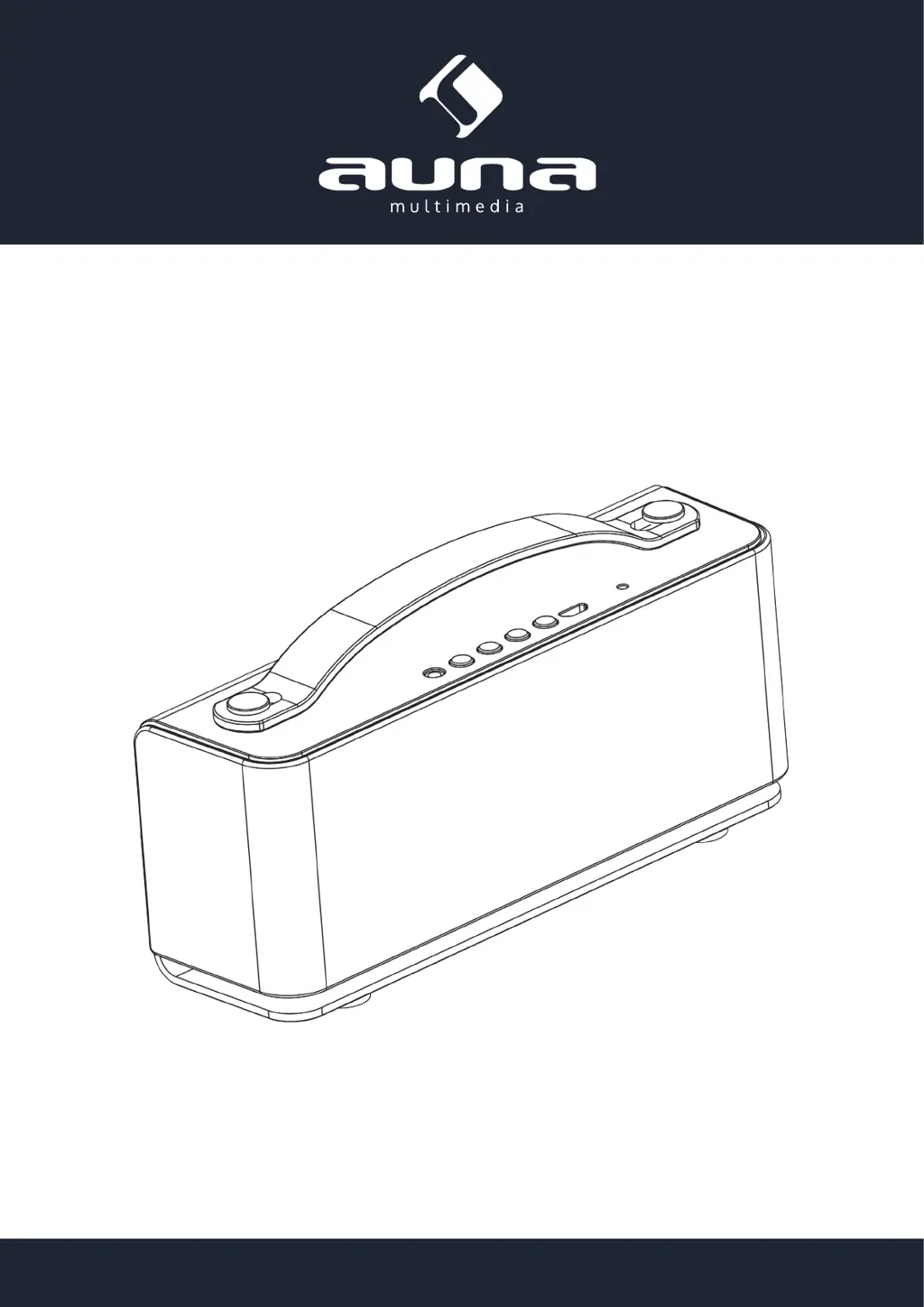
Product Description

Overview of the device's components and features.

Indicator Light and Status

Explanation of the LED indicator lights and their meanings.

Battery Charging and Management

Charge the Battery

Instructions and indicators for charging the device's battery.

Connecting and Using Bluetooth

Connecting Devices via Bluetooth

Steps and tips for pairing and connecting Bluetooth devices.

Connect the Sound Box to Bluetooth Device

Detailed guide for connecting to an iPhone via Bluetooth.

Audio Playback and Connectivity

Play Music and Hands-Free Talking

How to play music and use hands-free calling features.

Connecting Devices via Audio Cable

Instructions for connecting non-Bluetooth devices using an audio cable.

Troubleshooting and Compliance

Troubleshooting

Common problems and their solutions for device operation.

Environment Concerns

Information on product disposal and environmental regulations.

Declaration of Conformity

Statement of compliance with European directives.

auna multimedia 10027746 Specifications

General IconGeneral
Brandauna multimedia
Model10027746
CategorySpeakers
LanguageEnglish

Related product manuals