EasyManua.ls Logo

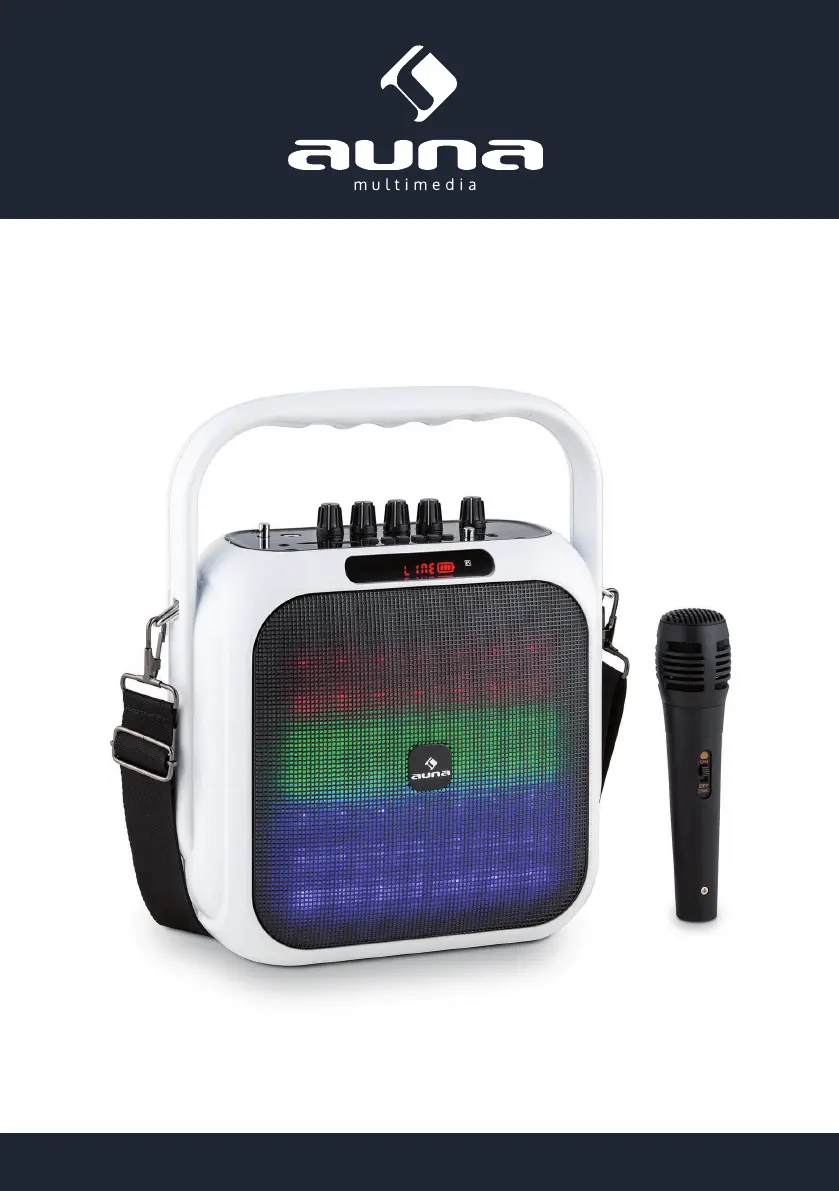
auna multimedia Big Dazzle - User Manual

Default Icon
15 pages
Go to English
Print Icon
To Next Page IconTo Next Page
Loading...
www.auna-multimedia.com10029313 10029314
Big Dazzle

Questions and Answers

  • S
    Steve WarrenAug 4, 2025
    Why do my auna multimedia Speakers have no sound?
    • B
      Beth TurnerAug 5, 2025
      If your auna multimedia Speakers aren't producing any sound, the issue might stem from selecting an incorrect input source. Try pressing the INPUT button repeatedly to cycle through and select the correct source. Also, ensure that the volume isn't set too low; increase the volume to a suitable level.
  • B
    Bill MyersAug 13, 2025
    What to do if karaoke doesn't work on my auna multimedia Big Dazzle Speakers?
    • J
      joshuakellyAug 13, 2025
      If the karaoke function on your auna multimedia Speakers isn't working, make sure the microphone is properly connected and switched on. Also, check that the MIC VOL isn't turned all the way down. If it is, increase the microphone volume.
  • A
    Alexandra SmithAug 19, 2025
    How to fix distorted sound from auna multimedia Speakers?
    • K
      Kyle HenryAug 19, 2025
      If you're experiencing distorted sound from your auna multimedia Speakers, the volume might be set too high. Try lowering the volume to see if the distortion clears up.
  • E
    Elizabeth WalkerAug 27, 2025
    What to do if MP3s won't play on auna multimedia Speakers?
    • S
      Sean SmithAug 27, 2025
      If your auna multimedia Speakers aren't playing MP3s, the files might be in an incorrect format. Ensure that the files are saved in MP3 or WAV format. Also, check the connection of the USB/SD storage device to ensure it is properly connected.

Summary

Safety Instructions

Small Object Safety

Keep small objects and packaging away from children to prevent choking hazards.

Device Transportation

Keep original packaging for safe shipment or transportation of the device.

Cleaning Guidelines

Clean the device with a soft, dry cloth; avoid solvents and harsh chemicals.

Technical Specifications and Troubleshooting

Device Charging

Connect to power adapter, charging time is 4-8 hours. Unplug when fully charged.

Troubleshooting Common Issues

Provides solutions for common issues like no sound, distortion, karaoke, and MP3 playback problems.

Device Controls Overview

Remote Control Functions

Connection and Setup Advice

Product Functions and Operation

FM Radio Mode

How to select FM mode, scan stations, and tune.

Bluetooth (BT) Connectivity

How to connect via Bluetooth to mobile devices.

USB;SD Card Playback

How to play audio files from USB/SD cards.

LINE;AUX Input

How to connect external audio sources via AUX cable.

Recording Audio

How to record audio to USB/SD cards.

Environmental and Compliance Information

Declaration of Conformity

Manufacturer details and compliance with European directives.

auna multimedia Big Dazzle Specifications

General IconGeneral
Brandauna multimedia
ModelBig Dazzle
CategorySpeakers
LanguageEnglish

Related product manuals