54
TV System
Select the color prole for the screen (PAL/NTSC/AUTO).
Screen Saver
Switch the screen saver on/o.
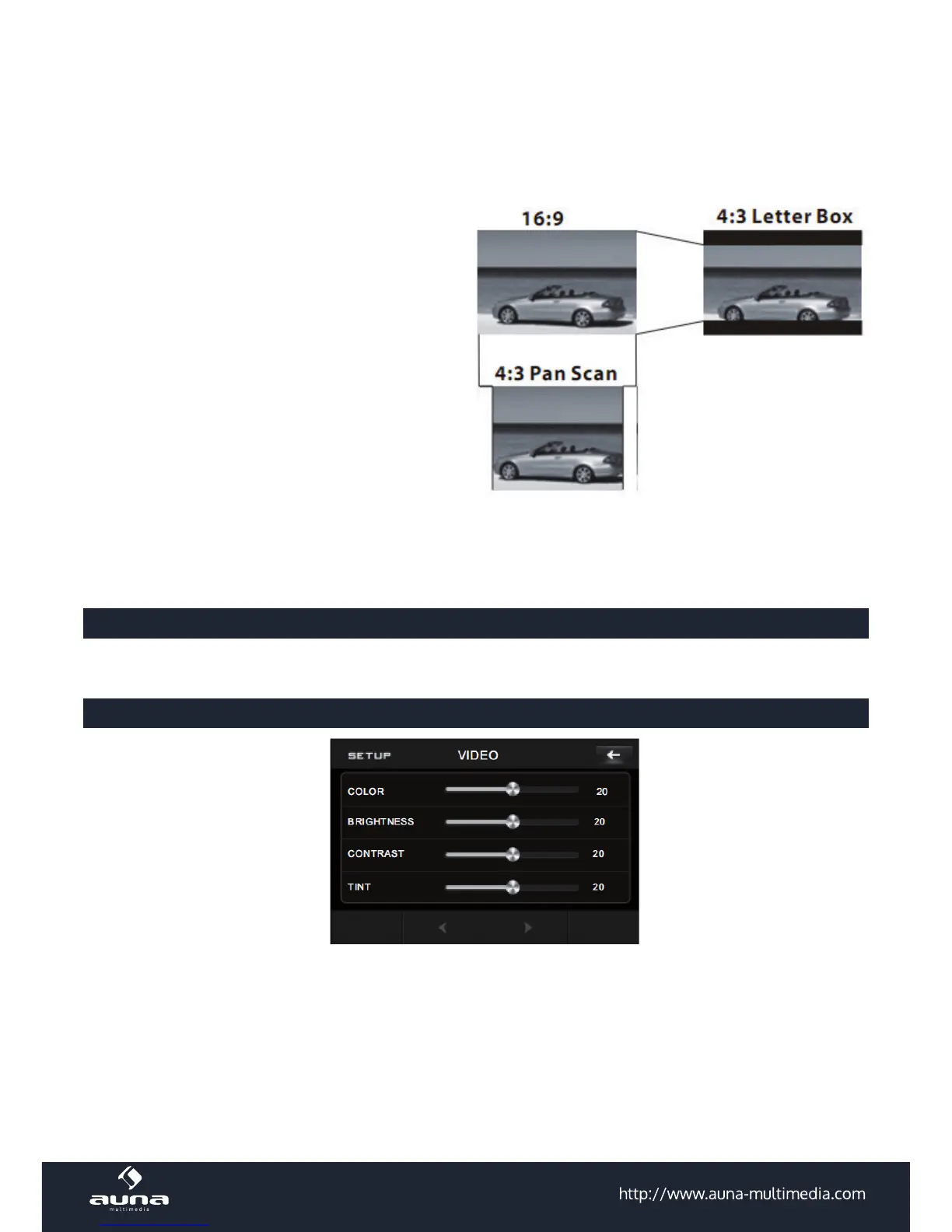
TV Type
Choose the screen ratio (Normal/PS = 4:3; Normal/
LB = 4:3 TV; Wide = 16:9 TV)
Password
Change the password for parental control following
the prompted steps (Standard: 0000).
Rating
Select suitable parental guidance with the cursor
buttons and conrm it by pressing the ENTER but-
ton.
Default
For re-setting the default parameters select DE-
FAULT and conrm when being asked to restore factory defaults. Please note: All made changes will be
overwritten.
Language Settings
Set the display languages for: OSD, audio, subtitles, disc menus.
Video Settings
Set the parameters for brightness, contrast, hue, saturation and sharpness of the display in this menu.
Digital Settings
Select DRC and adjust the dynamic range of a Dolby Digital encoded program. There are 8 steps between
full compression and o compression.



 To Next Page