24
not complying with the operating instructions.
• Before turning on the power for the rst time, make sure that the power cord is properly installed and the voltage
switch is correctly set.
• Never clean the surface of the device with solvents, paint thinners, cleansers or other chemical products. Instead,
use a soft, dry cloth or soft brush.
• Save these instructions.
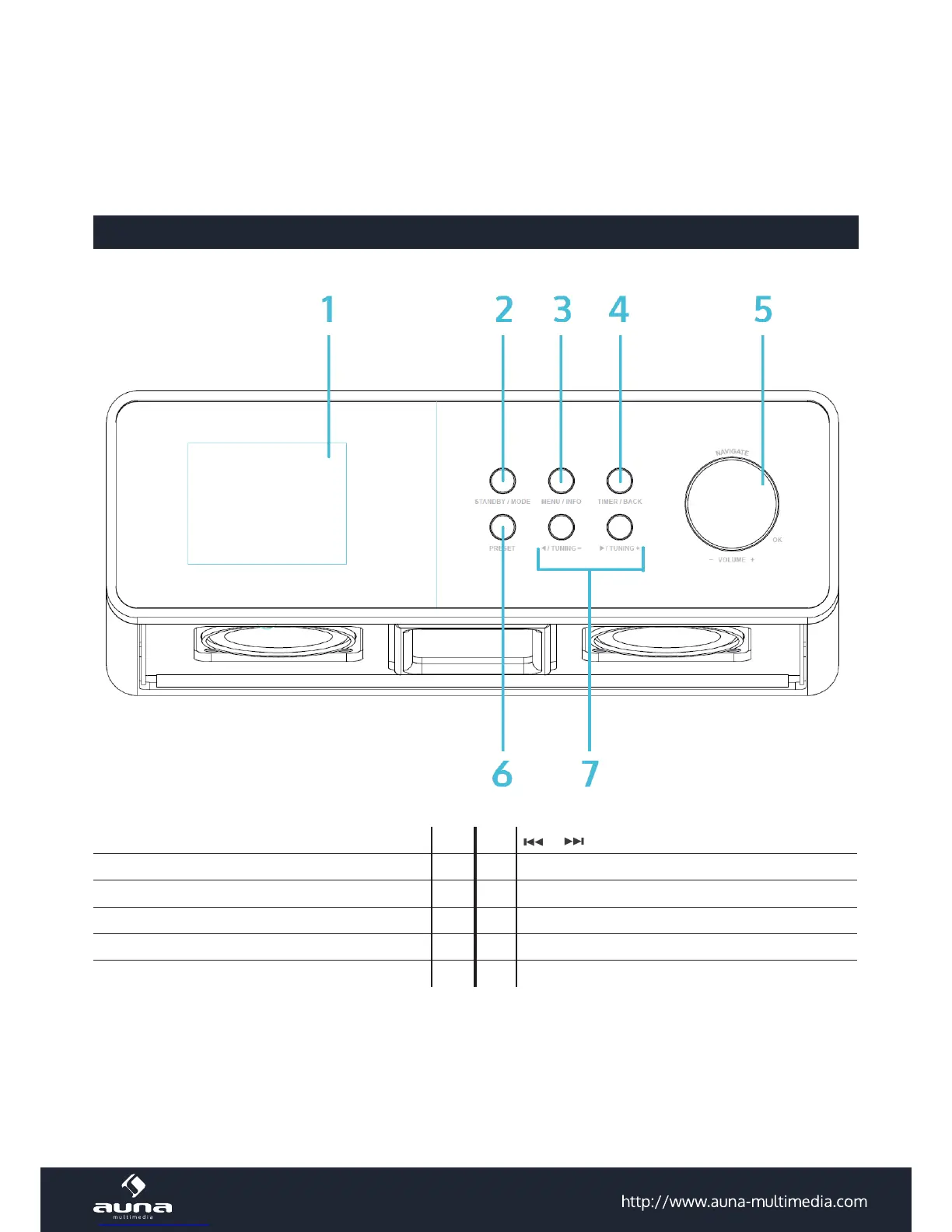
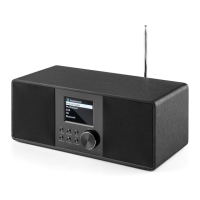
Controls
Display 1 7 /
STANDBY / MODE 2 8 On / o
MENU / INFO 3 9 AUX IN
TIMER / BACK 4 10 LINE OUT
NAVIGATE / OK / VOL+/- 5 11 DC in
PRESET 6 12
Front


 To Next Page