33
• Add the audio les and folders you want to share with the unit to the media library.
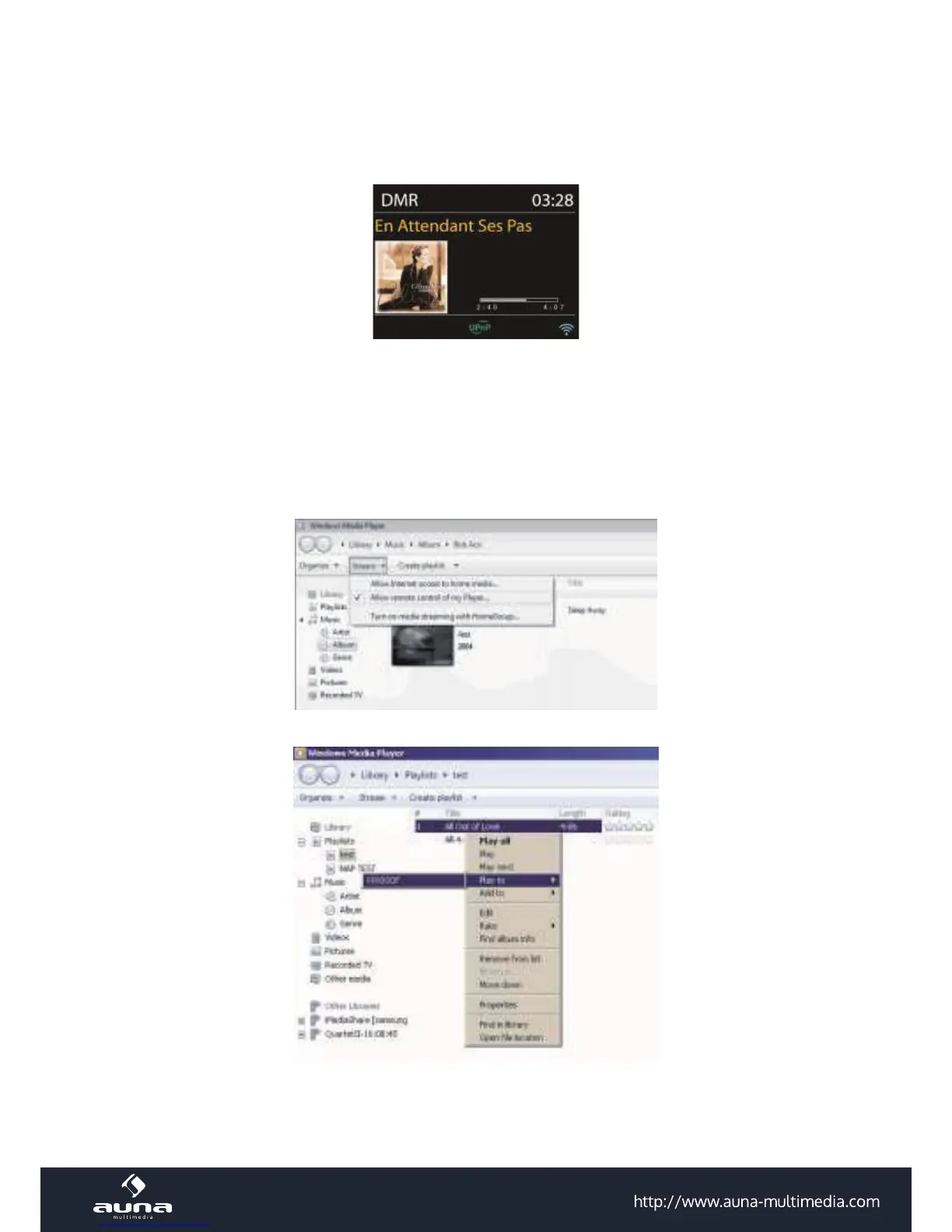
You can share the music les from PC, Android mobile or tablet, and directly use your PC, Android mobile, tablet or
iPhone / iPad to control music playback on the KR-200.
A) Streaming via PC (requirements: Windows 7 + Windows Media Player 11)
• Share the media on your PC to KR-200: Control Panel > Network and Internet > Network and Sharing Center
> Media streaming options
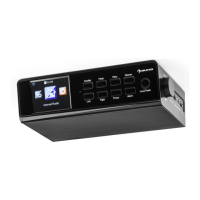
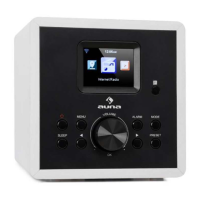
• Open Windows Media Player to enable Allow remote control of my Player. Right click any music in the library
and choose Play to KR-200. A box of music playback pops up for the streaming.


 To Next Page