27
EN
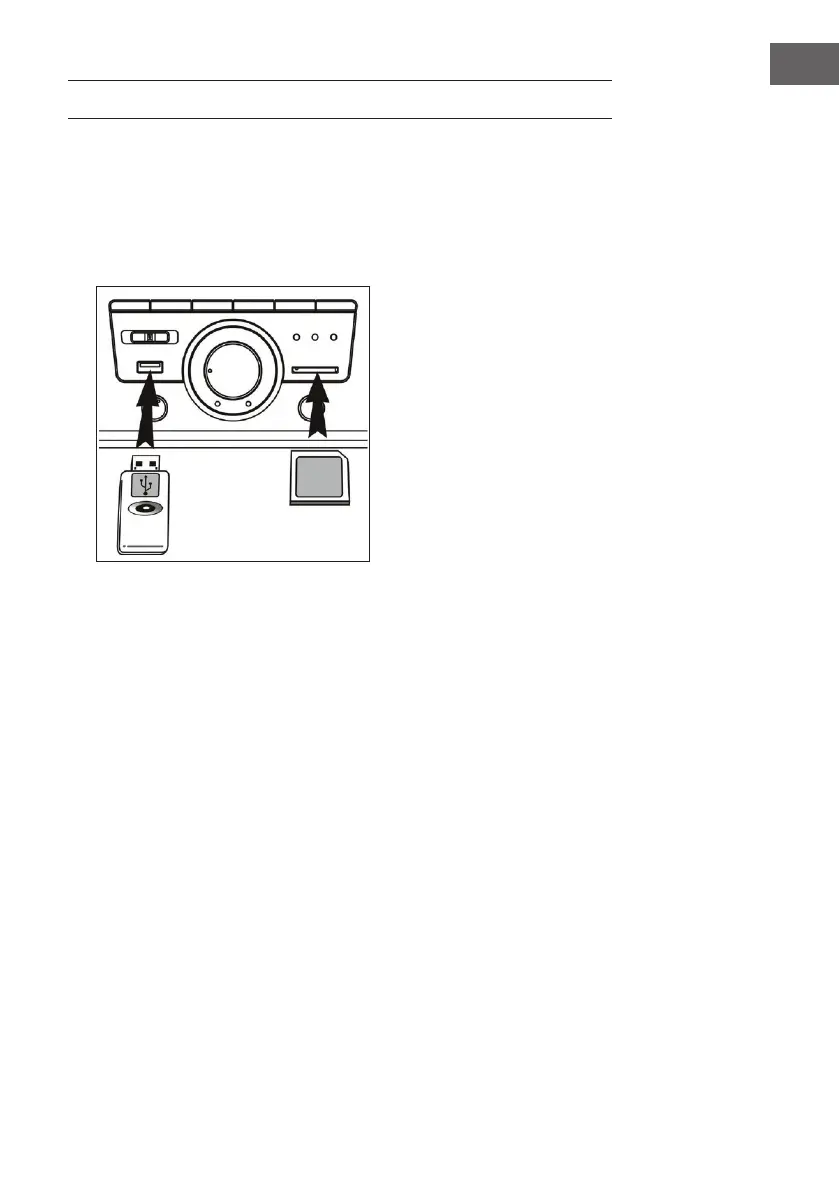
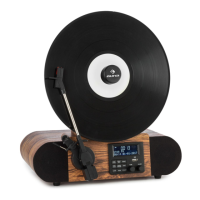
PLAY MP3 FILES FROM USB/SD PORT
1 Set the selector switch (5) to „USB“ or „SD“.
2 Connect a USB/SD memory device. If you try to insert the storage
media the wrong way round, the unit may be damaged. Check the
correct orientation before inserting.
3 The unit will automatically start loading and display the number of MP3
les.
Notes
• The device can only read MP3 les via USB.
• If you connect an MP3 player to the unit via USB, it may not be
recognized as USB memory. This is not a malfunction.
• The USB port is not designed for USB extension or direct connection to
a PC.
Removing USB / Memory Card
Before removing it, you must switch o the device or change the mode to
„PHONO“ or „TUNER“. Now you can remove the storage medium.



 To Next Page