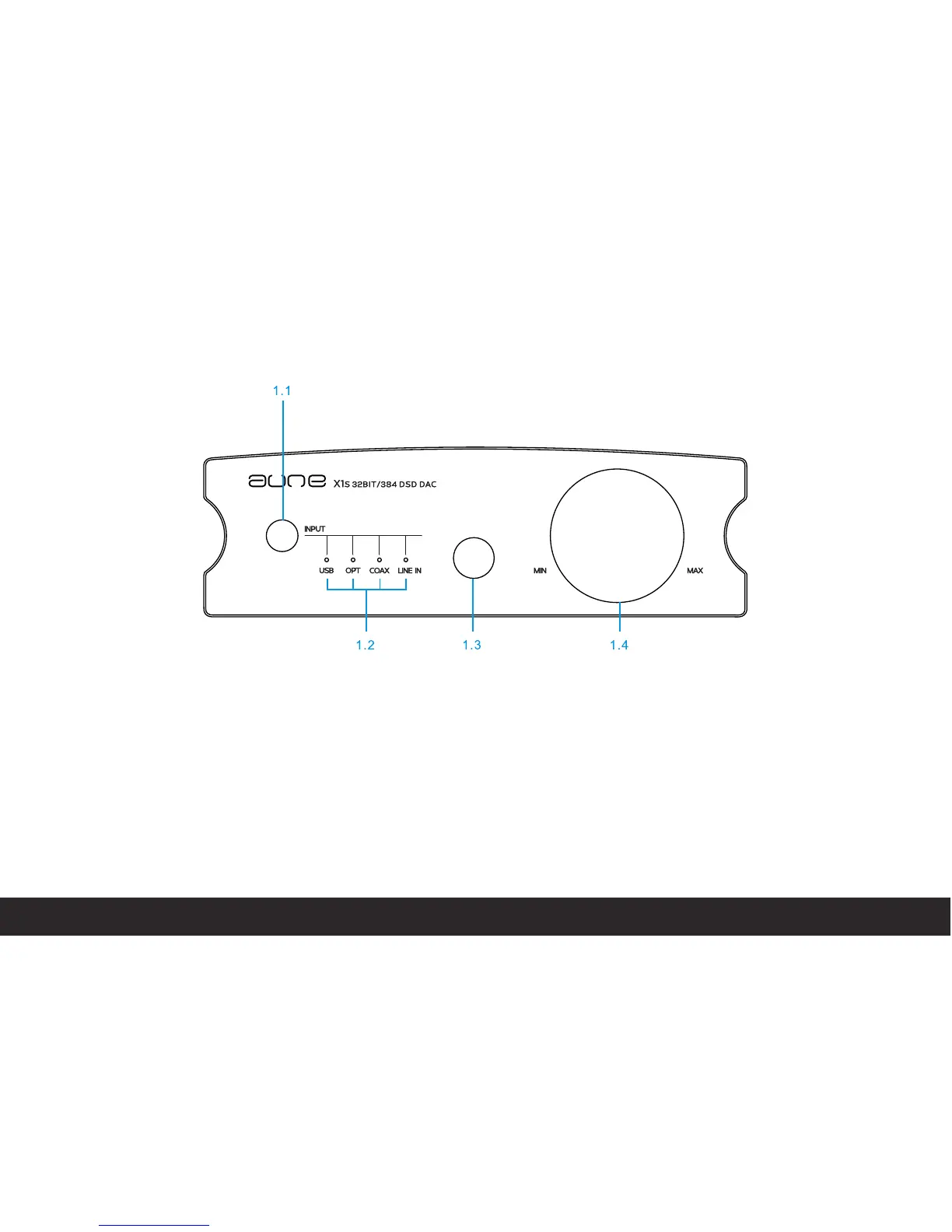
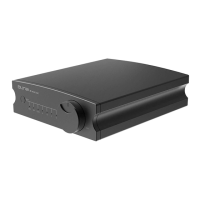
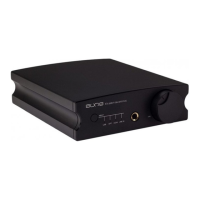
View of front panel and name of each part
1.1 Output signal switch / Filter mode switch
1.2 Input status indicators, Switch cycled by the
button
:headphone outside Input status
indicator ,the outside Input Status
is available when the led is on
USB
OPTICAL
COAXIAL
LINEIN
1.3 Headphone output
1.4 Volume control knob
2


 To Next Page