4
CONTROL PANEL BUTTONS
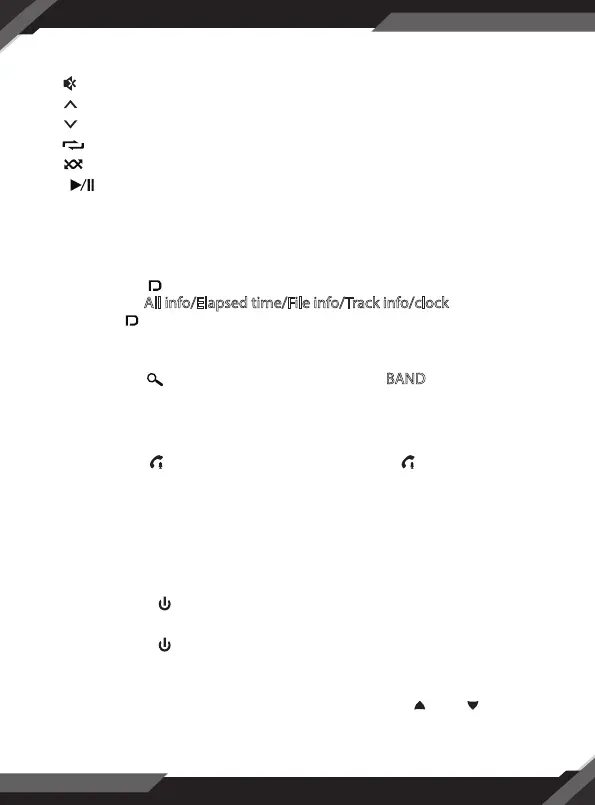
5. In power on mode, press the MUTE button to toggle mute ON or OFF.
6. Folder up, button 1 preset
7. Folder down, button 2 preset
8. (repeat), button 3 preset
9. (random), button 4 preset
10. (pause/start), preset station 5 button
11. INT (intro) , preset button 6 station
12. AUX IN (auxiliary input)
13. USB port
14. LCD screen
15. Short press button display clock in all mode. In USB mode, Short
press to select All info/Elapsed time/File info/Track info/clock operation.
Long Press button for 3 sec(LCD show DISP OFF) turn o illumination
on panel and touch any button to turn on illumination, Long Press
button for 3 sec (LCD show DISP ON) to retrieve illumination.
16. Long press auto search stations. Short press BAND button to change
band.
17. MIC hole (integrated microphone)
18. IR remote control sensor
19. Long Press button to activate SIRI. Short press button to pick
up/cut o phone call.
20. Reset
21. SEL (select/menu) button and VOL (volume) knob
GENERAL OPERATION
Turn Unit ON/OFF
• Press the power /SRC button on the front panel to turn ON the unit, and
press and hold it again to turn OFF the unit.
• Press the power button on the remote control to turn the unit ON or OFF.
Adjust Volume (VOL)
• Rotate the VOL knob on the front panel or press the VOL+ /VOL- button on
the remote control to increase or decrease the volume level.



 To Next Page