Set the clock (CLK)
1. To display the Time press the CLK button.
2. To set the time, press and hold the CLK button and the time will start ashing.
3. Press the or button on the front panel or on the remote control to set the
time.
4. Press the CLK button and the minutes will start ashing.
5. Press the or button on the front panel or on the remote control to set the
minutes.
6. Short Press to Increase Bass Level
Change the source mode (SRC)
Press the SRC button to switch between the button RADIO, BT (Bluetooth), USB
(with a USB device inserted), AUX-IN mode (input assistant).
Loudness: LOUD ON/OFF
Press the LOUD button on the remote control to change the loud volume to boost
the bass output frequency, press again, to turn it o.
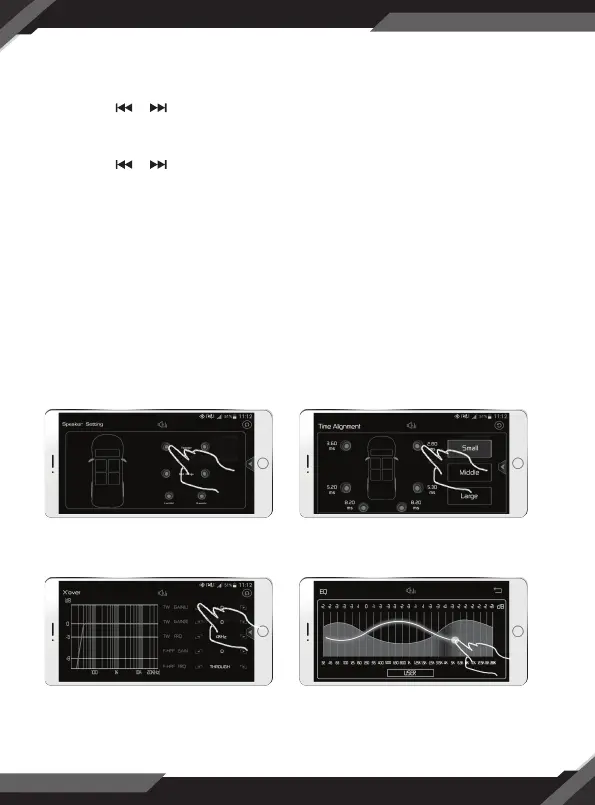
DSP SMART ANDROID/IOS APP CONTROL
8
Subwoofer Control Time Alignment Control
25 EQ ControlX’Over Control



 To Next Page