10 GB
4
– / °C / °F button: Press this button to select the tempera-
ture display unit (°C or °F). In settings mode use this button to
decrease the values you wish to set.
5
SNOOZE / LIGHT button: When the alarm sounds
press this button to snooze the alarm for 10 minutes. Otherwise
press this key to activate the backlight for approx. 5 seconds.
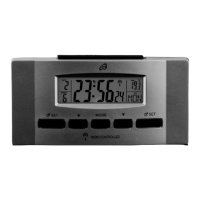
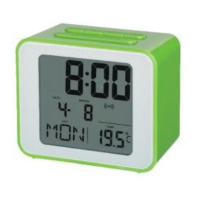
The display (see Fig. B)
6
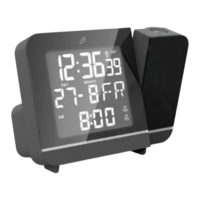
Time field: The time field indicates the time in 24 or
12 hour format. In 12 hour format it will also show AM (lat.
„ante meridiem“ = before noon) and PM (lat. „post meridiem“ =
after noon).
7
Info field: This field may show four different symbols:
8
: The DCF symbol indicates the DCF reception status.
9
DST: DST („Daylight Saving Time“) only appears during
European daylight saving time. This symbol cannot be manually
activated.
10
: The alarm symbol indicates the alarm is activated.
11
: The Snooze symbol indicates the snooze function
has been activated.
12
: This symbol indicates the batteries should be replaced.


 To Next Page