17 GB
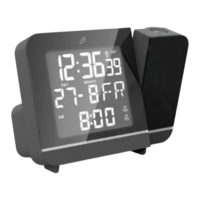
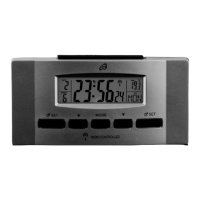
with reception. This radio controlled alarm clock updates its
time once daily via DCF signal. The reception process is indi-
cated with an animated DCF symbol
8
in the info field
7
.
If reception is successful the DCF symbol will be static. If re-
ception is unsuccessful the DCF symbol will disappear until
the next successful reception.
manually:
Press and hold the + / RCC
3
button for 3 seconds. The
flashing DCF symbol in the info field
7
indicates the radio
controlled alarm clock is attempting to receive a signal.
Note: You may cancel reception by pressing the + / RCC
3
button again. The DCF symbol will then stop flashing.
Changing basic settings
Press and hold the MODE
2
button for 3 seconds to
access the basic settings mode from clock mode.
During each of the following programming steps press the
+ / RCC
3
or - / °C / °F
4
button to make a change.
TIP: Pressing and holding the + / RCC or - / °C / °F
button will quickly increase or decrease the numbers.


 To Next Page