45 GB/IE
CAUTION! DANGER TO LIFE, RISK OF INJURY AND
MATERIAL DAMAGE! Read the operating and safety instructions
for your drill carefully.
DANGER TO LIFE! Take care that you do not hit electricity, gas
or water lines when you drill into the wall. If necessary, check
with a pipe and cable detector before drilling.
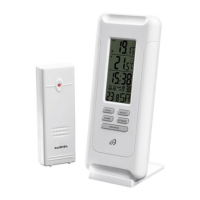
Note: Before mounting the temperature station, please fall back the
stand
6
from back side.
Mark the position of the hole (Ø approx. 8 mm) on the wall.
Drill the hole with an electric drill.
Insert the dowel
33
into the drilled hole.
Using a cross head screwdriver, screw the screw
32
into the dowel.
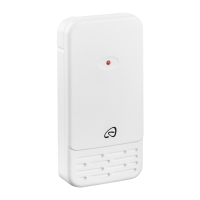
Hang the temperature station or outdoor sensor by placing the
hanging slot
4
,
19
to the according screw.
Note: Ensure that the outdoor sensor shouldn’t be immersed into water
and not contact with direct sunlight. Electronic devices may adversely
affect the wireless signal reception.
Once the main station has received the signal from the outdoor sensor
and the DCF signal, it enters base mode.
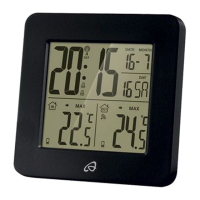
In base mode the main station will display the following information:
Information in base mode
The clock field
24
Time:
The time will be displayed in 24 hour
format according to the default settings.
When selecting 12 hour mode in basic
settings, the time from 12:00 o‘clock in


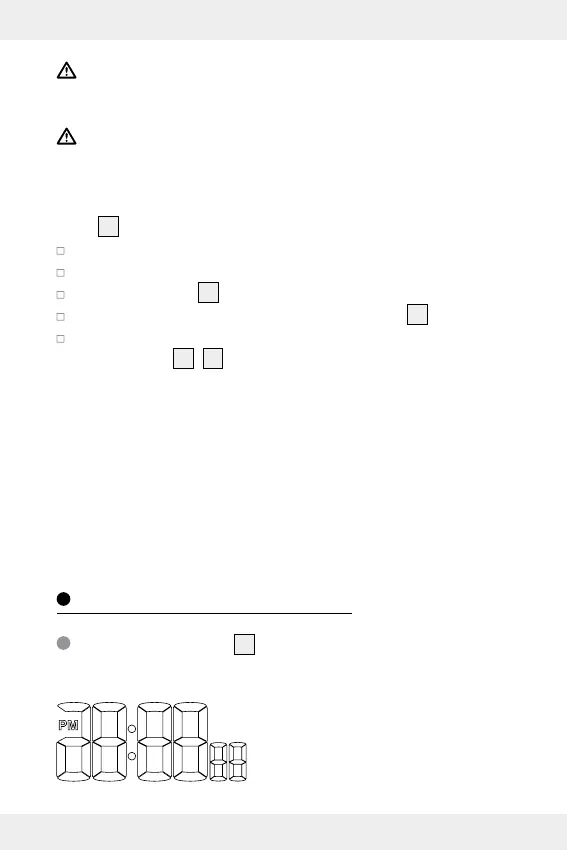
 To Next Page