14 GB/IE
Operation / Cleaning and Maintenance
should not have any other objects within 30 cm of the front of the
alarm clock.
Resetting the settings
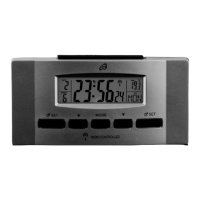
Press the RESET button
10
to reset the radio clock settings.
Alternatively, remove the batteries
6
from the device and
insert them again. The radio alarm clock now automatically
starts to search for the DCF radio time signal.
Note: Press the button with a pointed object (e.g. pencil).
Cleaning and Maintenance
The device should only be cleaned on the outside with a soft
dry cloth.
Remove the batteries if the alarm clock is not going to be used
for a while.



 To Next Page