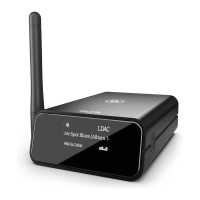
YOUR skye IS NOW READY
If the Status indicator shows solid WHITE light, you’re ready to set your music free!
If the Status Indicator is pulsing orange, go to page 9 and start over
or visit: www.theauris.com
AirPlay / DLNA on WiFi Network
14
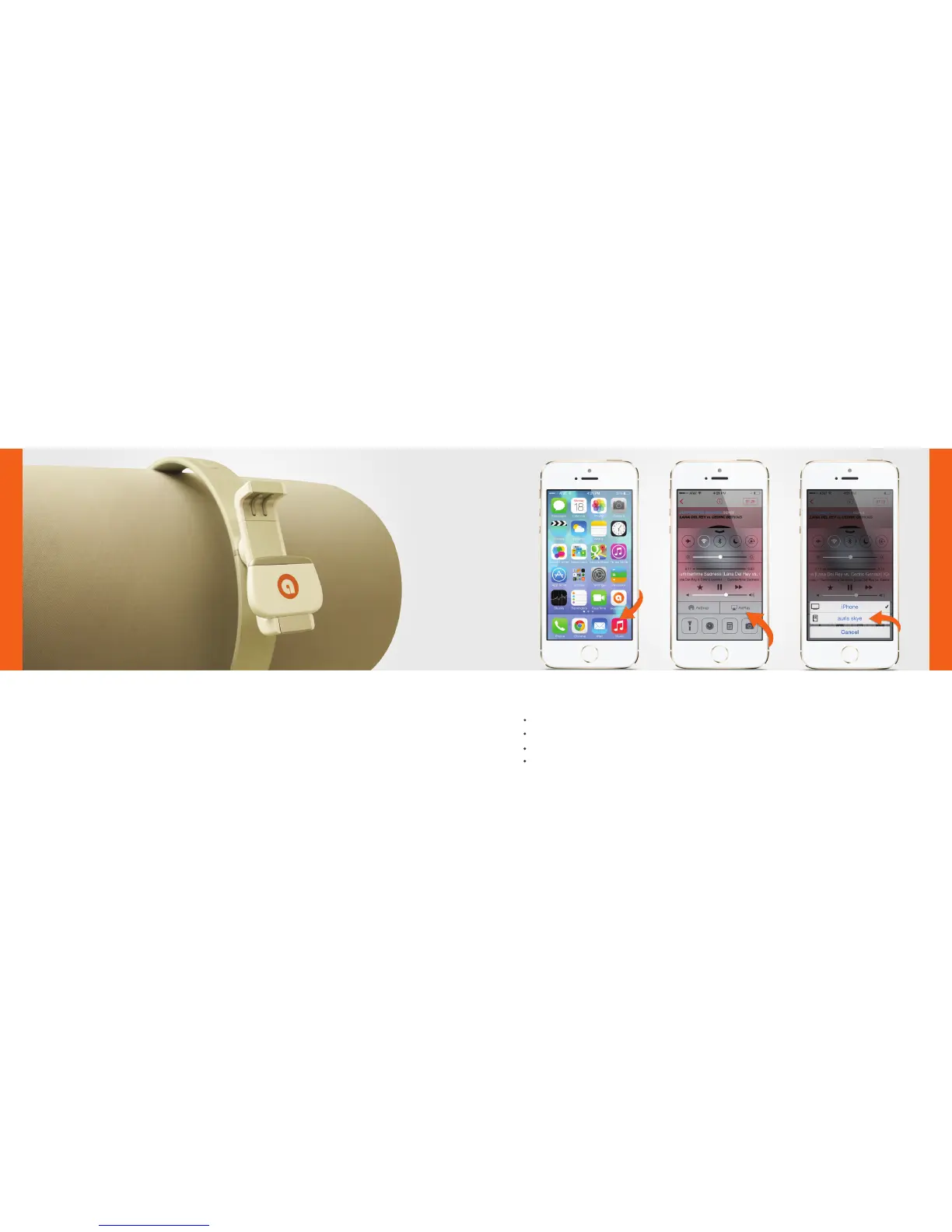
Select ‘Music’ on your iPhone, iPad or iPod Touch.
Press ‘AirPlay’ icon.
Select your skye device.
Press ‘Play’ and set your music free!
SET YOUR MUSIC FREE!
AirPlay / DLNA on WiFi Network
15


 To Next Page