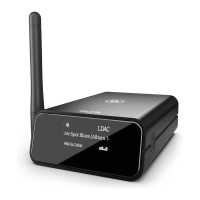
Open ‘iTunes’ on your Mac or PC.
Click ‘AirPlay’ icon and choose your skye device.
Select ‘Play’ and set your music free!
SET YOUR MUSIC FREE!
Mac or PC on WiFi Network
16
Press and hold the ‘Reset button’ with a needle while skye is plugged in your dock.
Release the ‘Reset button’ when the Status indicator turns solid ORANGE.
It will now emit the WHITE setup sequence and enter setup mode.
To clear all settings on your auris skye you need to perform a factory reset.
FACTORY RESET
17



 To Next Page