28
3.4 Temperature setting
1. Press or to set the desired temperature.
2. Press to increase or to decrease. The set temperature will automatically be
remembered if you do not press any buttons for 4 seconds.
ATTENTION!
◊ The temperature you see on the display is the current temperature of the compartment on
the inside of the product. It takes a while until the desired temperature is reached.
3.5 Switching between cooling modes
While the product is on, press to switch between MAX (fast cooling) and ECO (energy-saving
mode). The factory setting is MAX.
3.6 Temperature unit settings
1. Turn off the product.
2. Press for three seconds until E1 appears and continue to press until E5 appears.
3. Then press or to select Celsius or Fahrenheit. The factory setting is Celsius.
3.7 Battery protection mode
1. While the product is on, press for three seconds until the display ashes.
2. Then press to select protection mode H (High), M (Medium) and L (Low). The factory
setting is H.
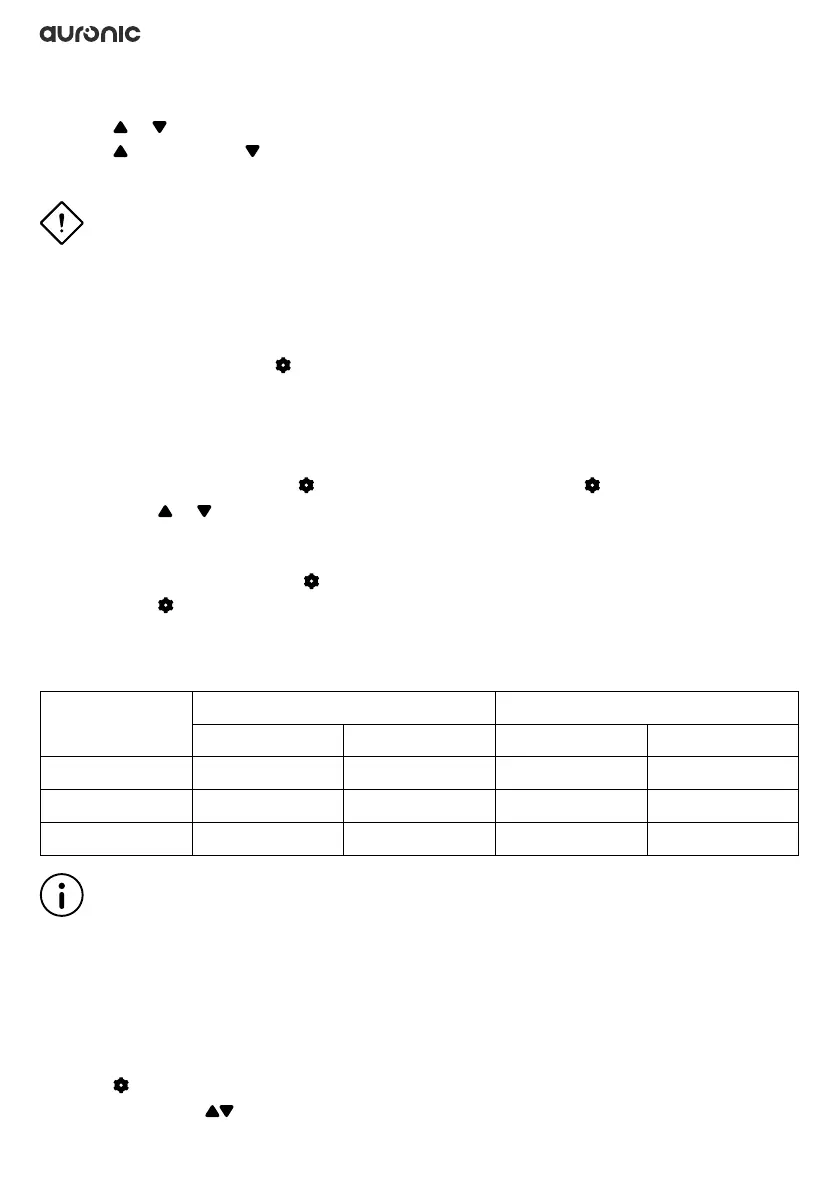
3.8 Voltage reference
Input
Mode
DC 12V DC 24V
Cut-off voltage Turn-on voltage Cut-off voltage Turn-on voltage
L 8.5V 10.9V 21.3V 22.7V
M 10.1V 11.4V 22.3V 23.7V
H 11.1V 12.4V 24.3V 25.7V
Note
◊ The voltage is a theoretical value, there may be a deviation in different scenarios.
◊ H should be set when the product is connected to auto power. M or L should be set when the
product is connected to a portable battery or other backup battery.
3.9 Reset
1. Turn off the product.
2. Press for three seconds until E1 appears.
3. In E1 mode: press simultaneously until the display shows 888.



 To Next Page
 Loading...