39
STARPOINT
TM
POSITIONING SYSTEM
The distance between the surface and the Starpoint
TM
Positioning System’s sensors. This icon is highlighted only when
the Starpoint
TM
Positioning System is in working state.
FLIGHT STATUS
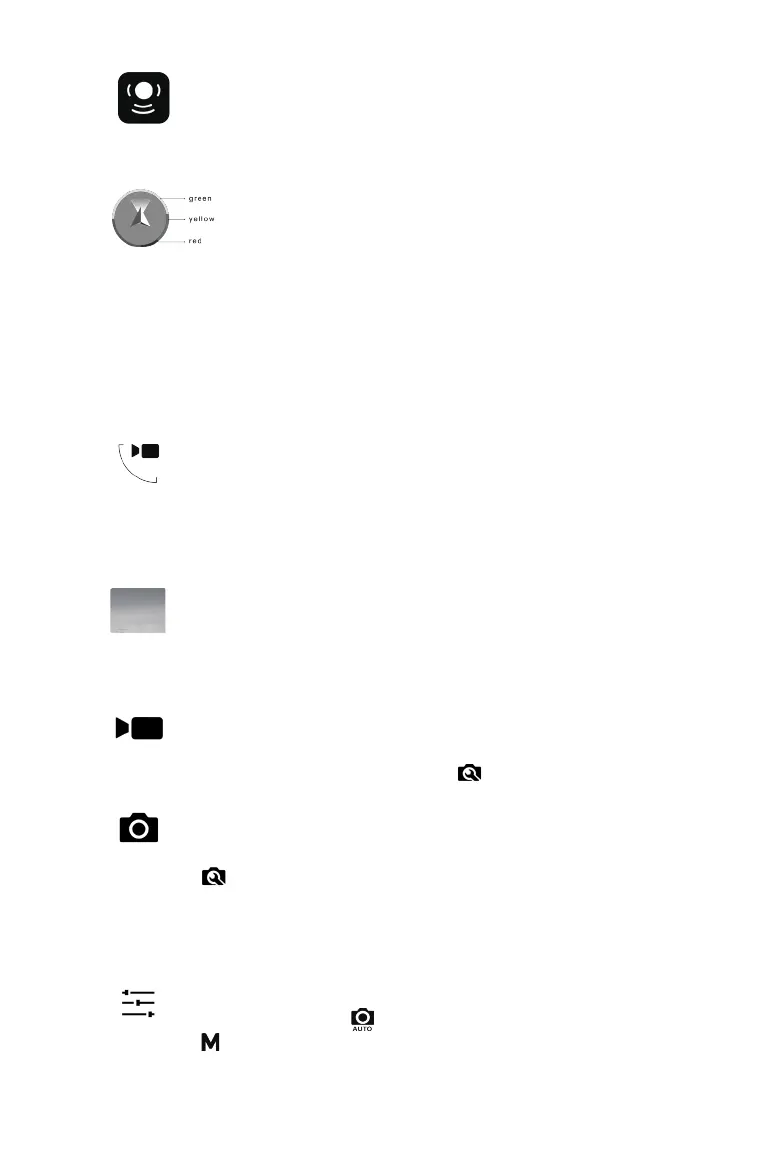
• The arrow indicates the yaw angle of the aircraft’s nose.
• The colored ring indicates the current battery level of the
aircraft. The green bar is present when there is abundant
battery. The yellow bar indicates the battery level reaches
the minimum required to Go Home. The red bar means the
battery level reaches the minimum required to land onsite.
z Camera Operation Panel
PITCH CONTROL BUTTON
Tap this button to open the Pitch Scroll Bar which you can scroll
up and down to control the camera pitch movement. A camera
pitch angle indicator will show up accordingly on the upper right
corner of this button.
PLAYBACK BUTTON
This icon displays the most recent photo/video taken. You may
tap it to view and download/delete your photos and videos one by
one or in groups.
RECORD BUTTON
Tap this button to record a video. Tap it again to stop recording.
Video Settings are available in ( ).
SHUTTER BUTTON
Tap this button to take a photo. Photo Settings are available in
( ). Before taking a photo, select a shooting mode (
Single Shot,
Burst Shooting, AEB, Time Lapse) from Photo Settings. This icon
may appear differently depending on different shooting modes
you have chosen.
ADVANCED CAMERA SETTINGS
Automatic Settings ( ) allows you to adjust EV; Manual Settings
( ) allows you to adjust ISO and Shutter Speed.


 To Next Page