6
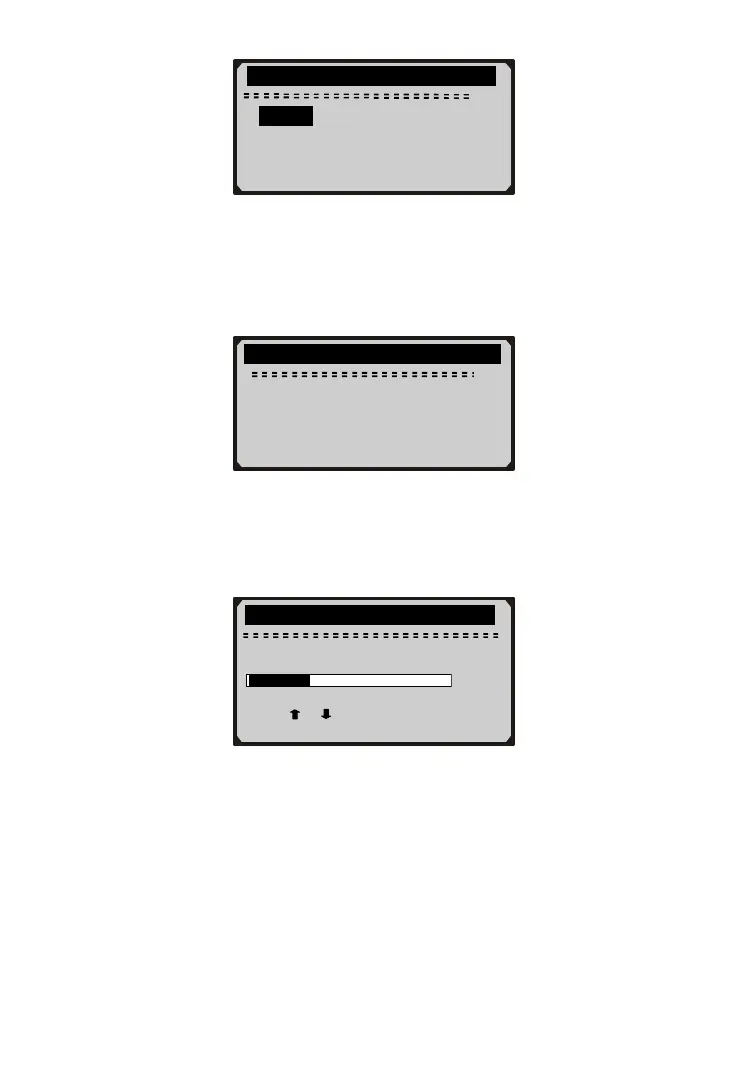
Contrast Adjustment
1) From System Setup menu, use UP/DOWN button to select
Contrast, and press Y button.
2) From Contrast menu, use UP/DOWN button to adjust contrast,
and press Y button to save and return or press N button to exit
without saving.
Tool Information
1) From System Setup menu, use UP/DOWN button to select Tool
Information, and press Y button.
…………….…..Contrast ………………….
Contrast (35%)
Use
or
to change
…………………Language………………….
1/1
► English
…………….System Setup………… …….
2/3
1) Language
►2) Contrast
3) Tool Information



 To Next Page