3.2 Use remote controller
3.2.1 Turn on/off remote controller
1. Startup
Press the power button ( ) for 2s till that a short beep sound appears.
2. Shutdown
Press the power button ( ) for 2s till that a short beep sound appears.
Important
Be sure to turn on the remote controller before the aircraft power supply is connected.
Be sure to turn off the aircraft power switch before turning off the remote controller.
3.2.2 Charge remote controller
1. Short press the power button ( ) once to check the current battery level of the remote
controller, and charge the remove controller if low battery level.
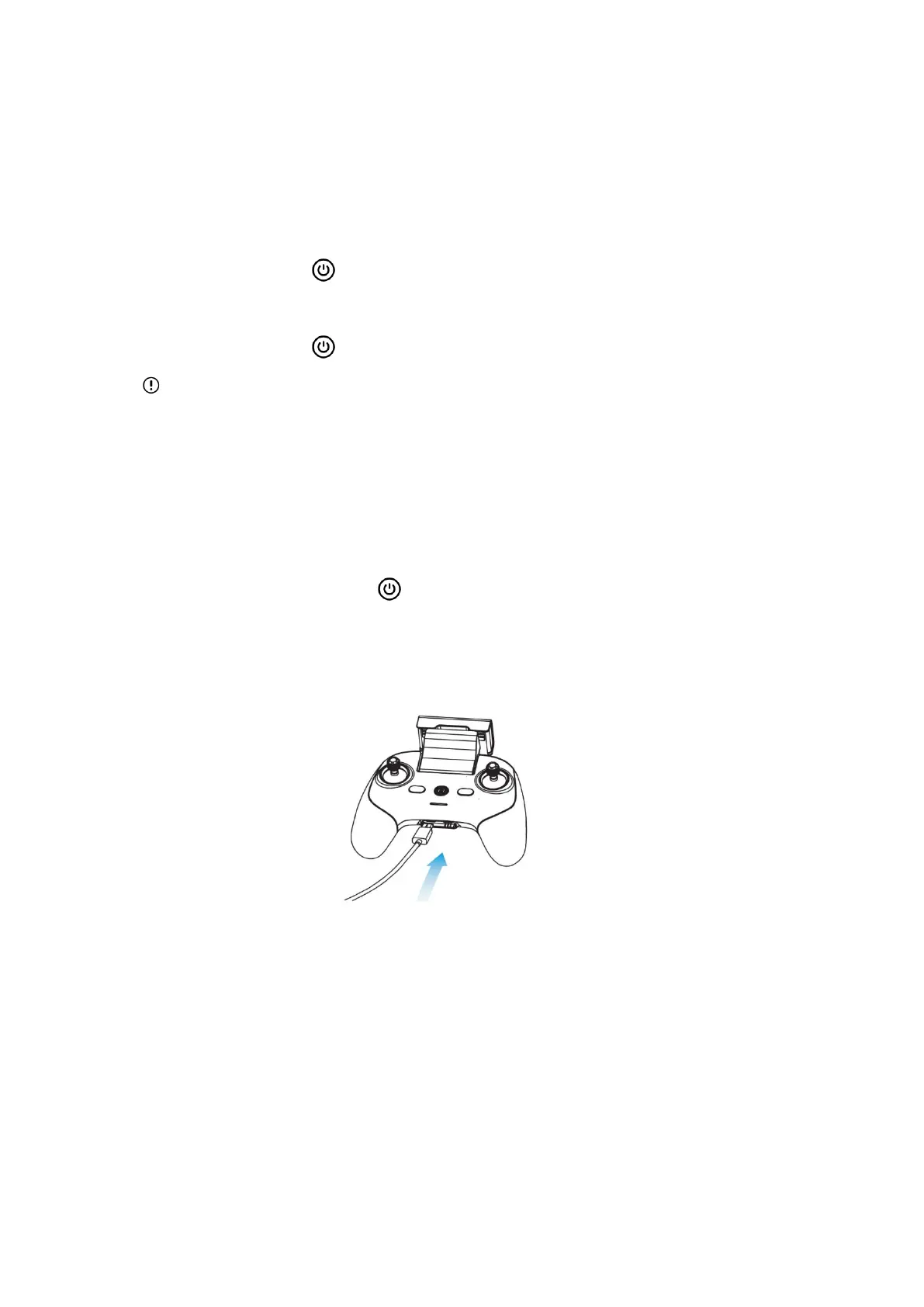
2. Connect the special charging cable to the USB-C interface at the bottom of the remote
controller. Full charge takes 2h.
3. In the case of charging, the power indicator of the remote controller will enter the mode of
waterfall light. After completion of charging, the four indicators will be normally on green. At
that time, you will hear two beep sounds.
4. Disconnect the charger from the remote controller after completion of charging.



 To Next Page