5
3
Getting Started
Ensure the unit is sufficiently charged before using.
Inspect the Battery
Before starting a test, observe the battery for:
Cracking, buckling, or leaking. If you see any of these defects, replace the battery.
Corroded, loose, or damaged cables and connections. Repair or replace as needed.
Corrosion on the battery terminals, and dirt or acid on the case top. Clean the case and terminals
using a wire brush and a mixture of water and baking soda. Wear protective glasses and gloves when
working with batteries.
IMPORTANT: Please ensure that the B200 is powered ON when pairing the device and during registration.
Power Up
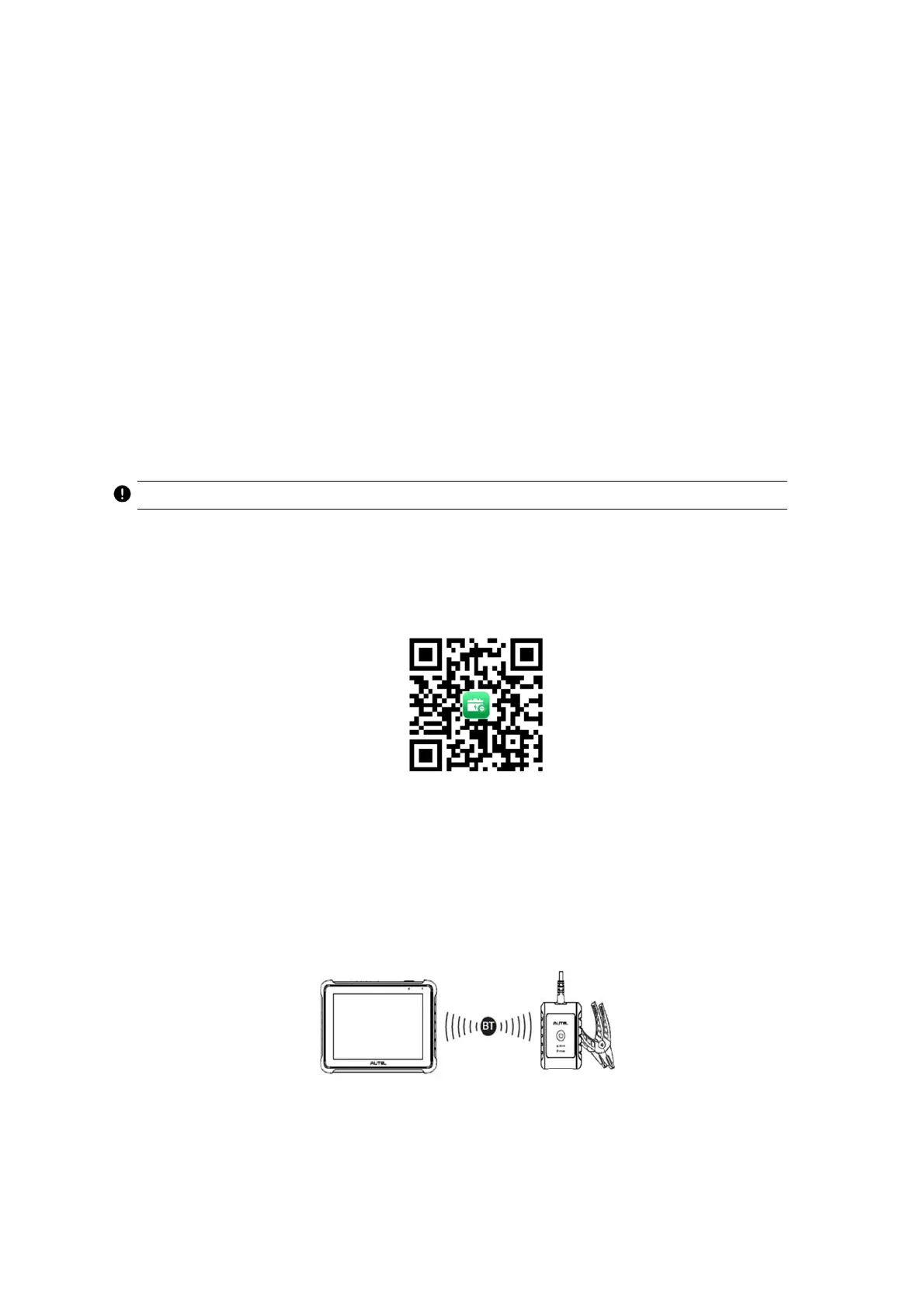
1. Scan the QR code or search for MaxiBAS in App Store or Google Play Store to download and install
the app to your device.
2. Open the MaxiBAS app and follow on-screen instructions to complete the registration and pair the
B200.
Connect to a Battery
1. Follow on-screen instructions to connect the B200 to BT609 via Bluetooth pairing.
2. Connect the red clamp to the positive (+) terminal and the black clamp to the negative (-) terminal of



 To Next Page