75
2) Main Section – displays the note list on the left column and the
detail information of the selected note displays on the right column.
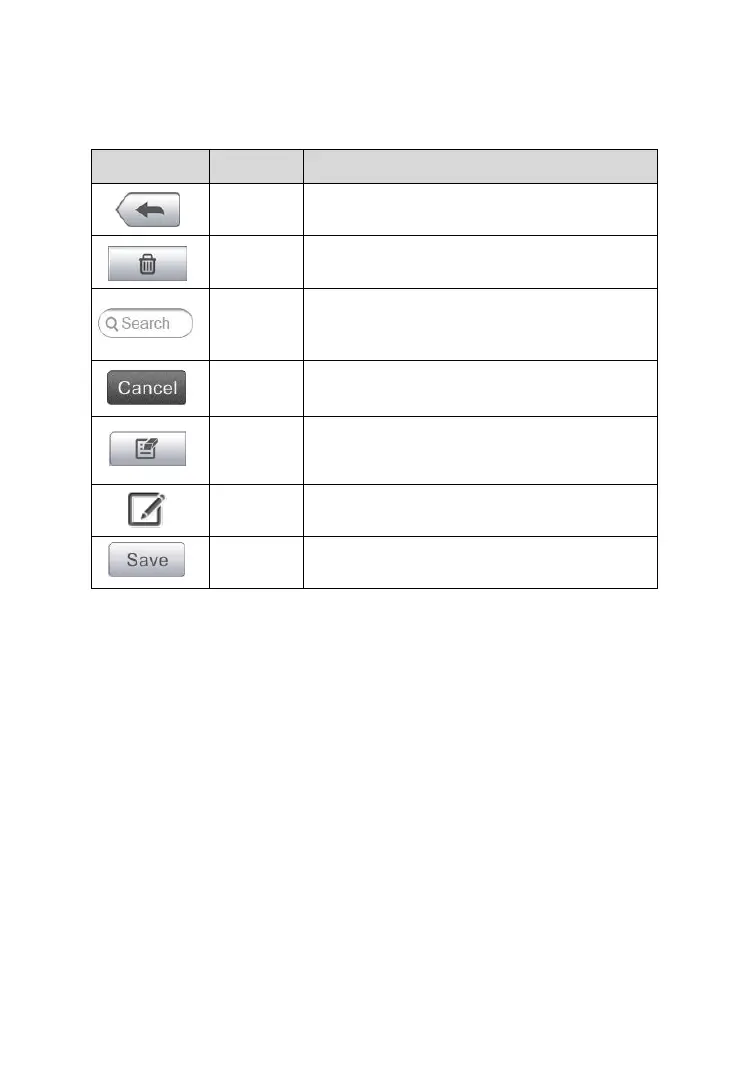
Table 6-2 Function Buttons in History Notes
Returns to the previous screen.
Deletes the selected note.
Quickly locates the required note by
entering the note title.
Cancel edit or file search.
Tap this button to open an edit window to
edit notes.
Adds new note in History Notes.
To add a note in History Notes
1. Access History Notes.
2. Tap the Add Notes button. An edit window displays.
3. Tap on the Title bar to input a note title.
4. Tap on the blank space below to edit a text note or remark.
5. Select a function button on the top to add files in any form you
choose.
6. Tap Save to save the note; tap Discard or Cancel to exit without
saving.



 To Next Page