34
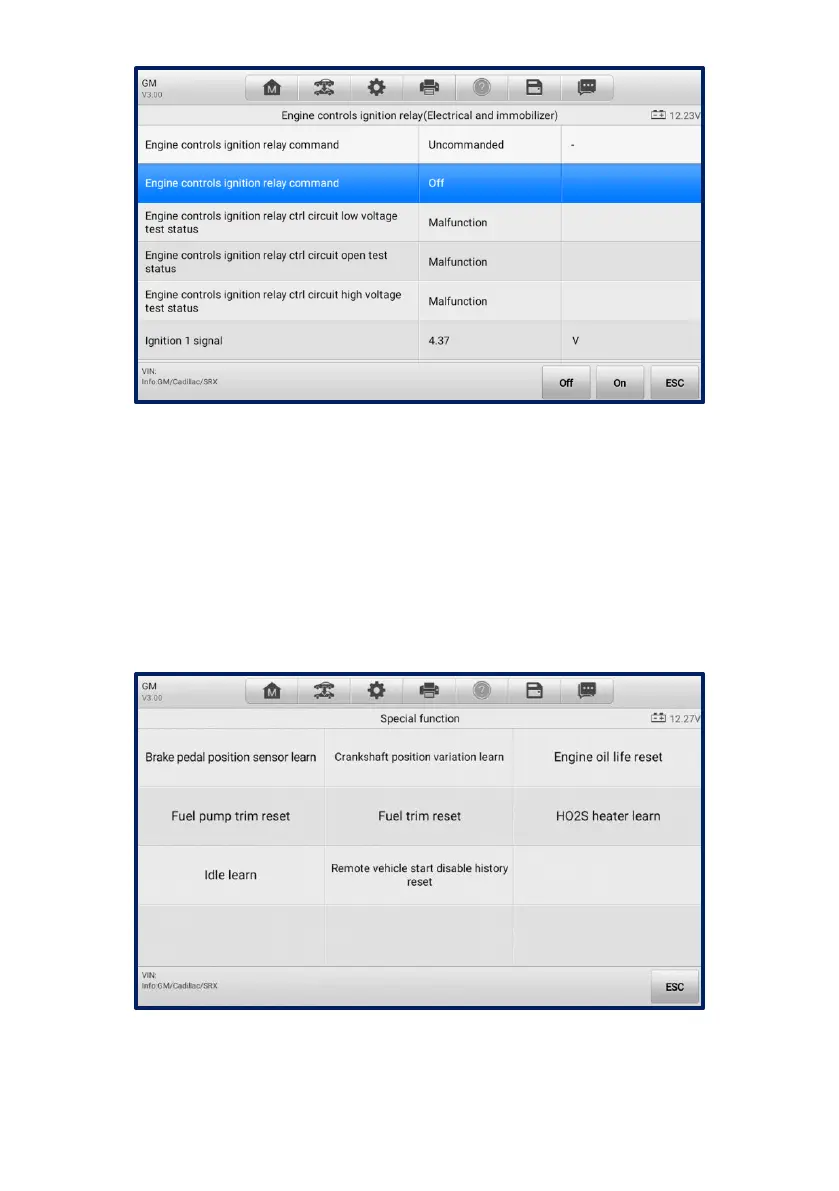
Figure 4-18 Active Test Screen
The function buttons in the lower-right corner of the Active Test screen manipulate the
test signals. Operational instructions are displayed in the main section of the test screen.
Follow the on-screen instructions and make appropriate selections to complete the tests.
Tap the ESC button to exit the test when finished.
4.4.2.5 Special Functions
These functions perform various component adaptations, including the recalibration or
configuration of certain components after repairs or replacements have been completed.
Figure 4-19 Special Function Screen 1















 To Next Page