14
| (Step 2) Setting Up Cloud Authentication Service for Security Keys
If you are an administrator, perform these steps to start using security keys with Cloud Authentication Service. These steps
assume that you have an existing Cloud Authentication Service deployment.
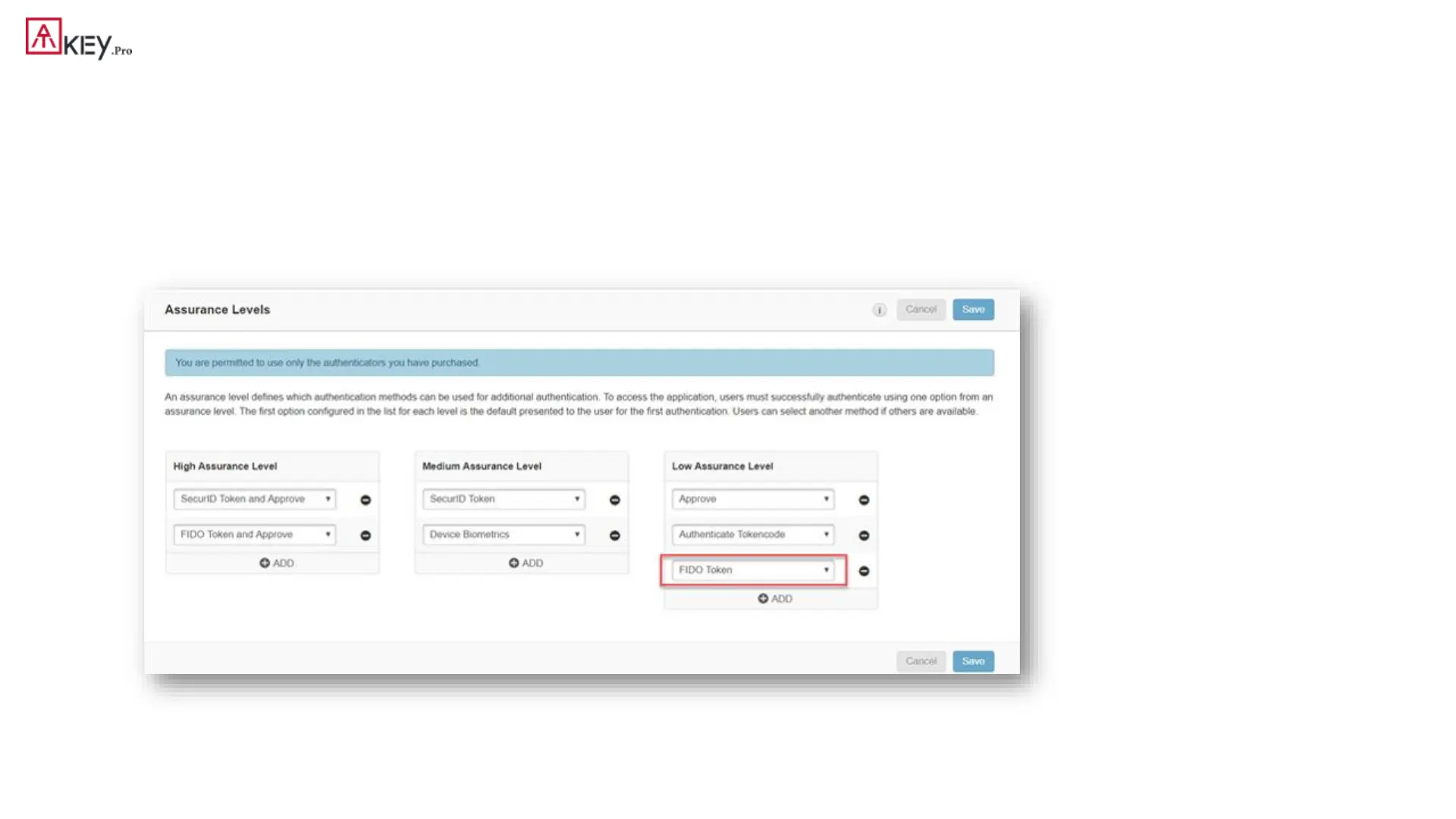
1. Confirm that FIDO Token is in the desired assurance level:
• In the Cloud Administration Console, click Access > Assurance Levels.
• Add or move FIDO Token to the desired assurance level.



 To Next Page