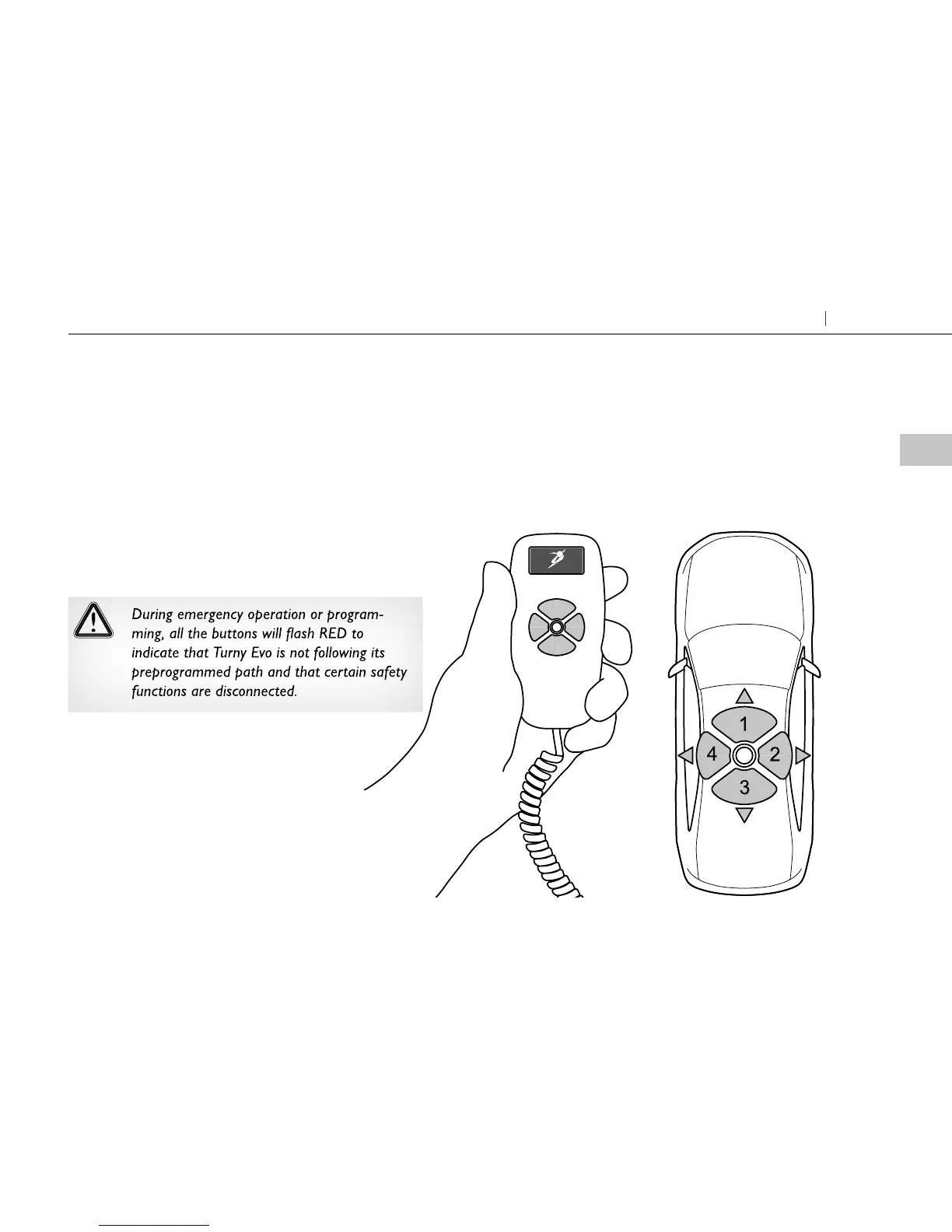
Optional function buttons light up GREEN.
Hold the selected button down. When the seat reaches
its preprogrammed end position, it will stop automati-
cally. To stop movement, release the button.
Turny Evo's location in the vehicle on the right or left
side determines the functions of buttons 2 and 4.
Hand held control
COMFORT
forwards
COMFORT
backwards
SWIVEL
in or out
SWIVEL
in or out
5
Getting seated Turny Evo



 To Next Page