4) Settings
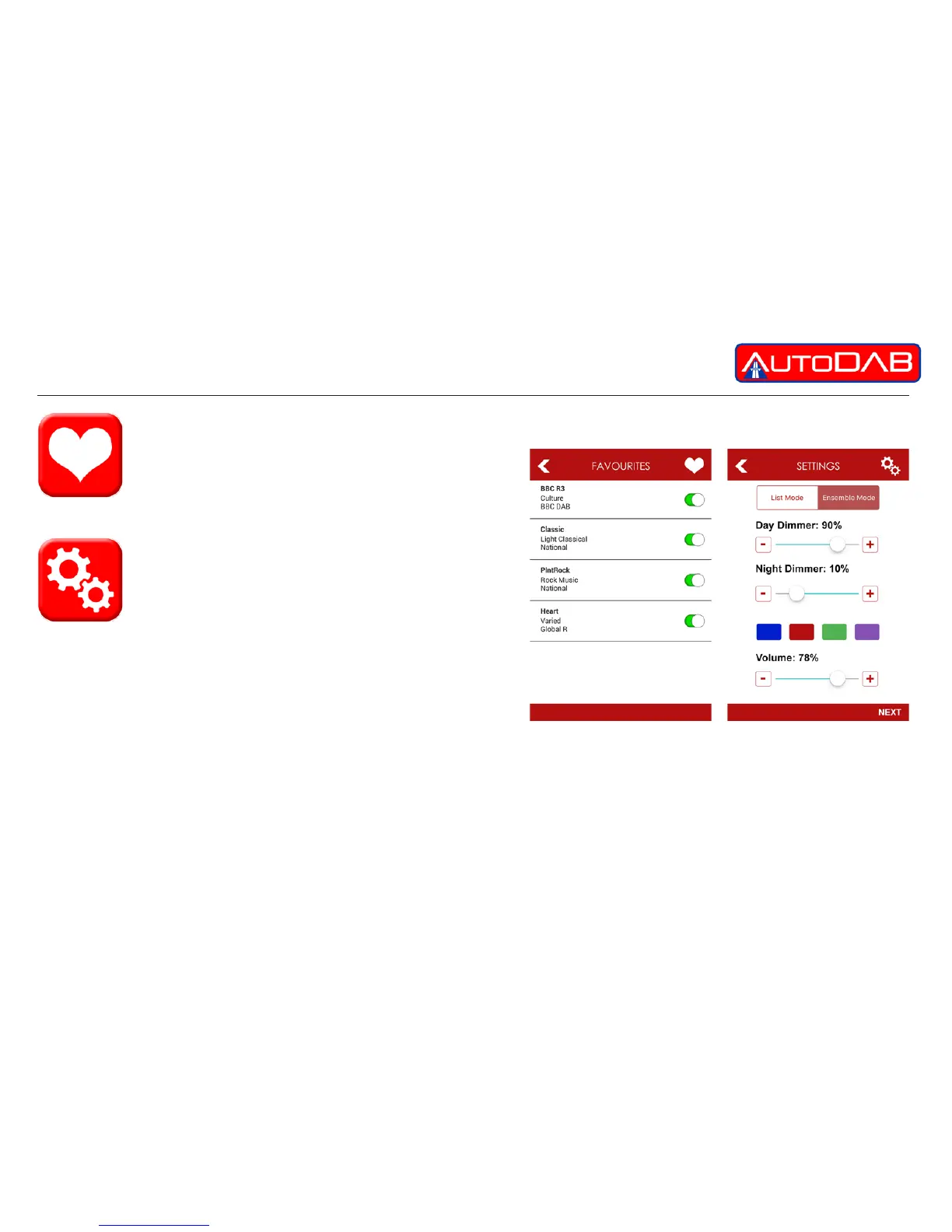
The settings button allows you to customise your
AutoDAB GO+. We recommend that this function
is not used whilst driving as it could cause distraction.
You can;
• Select the mode of station display, either ensemble or list mode
• Change the colour of the app to suit your taste
• Adjust Day Dimmer & Night Dimmer settings
• Adjust Volume settings
3) Favourites
this button stores a list of your favourite stations.
You can add or delete items by pressing the icon
on your station listings, storing up to 10.


 To Next Page