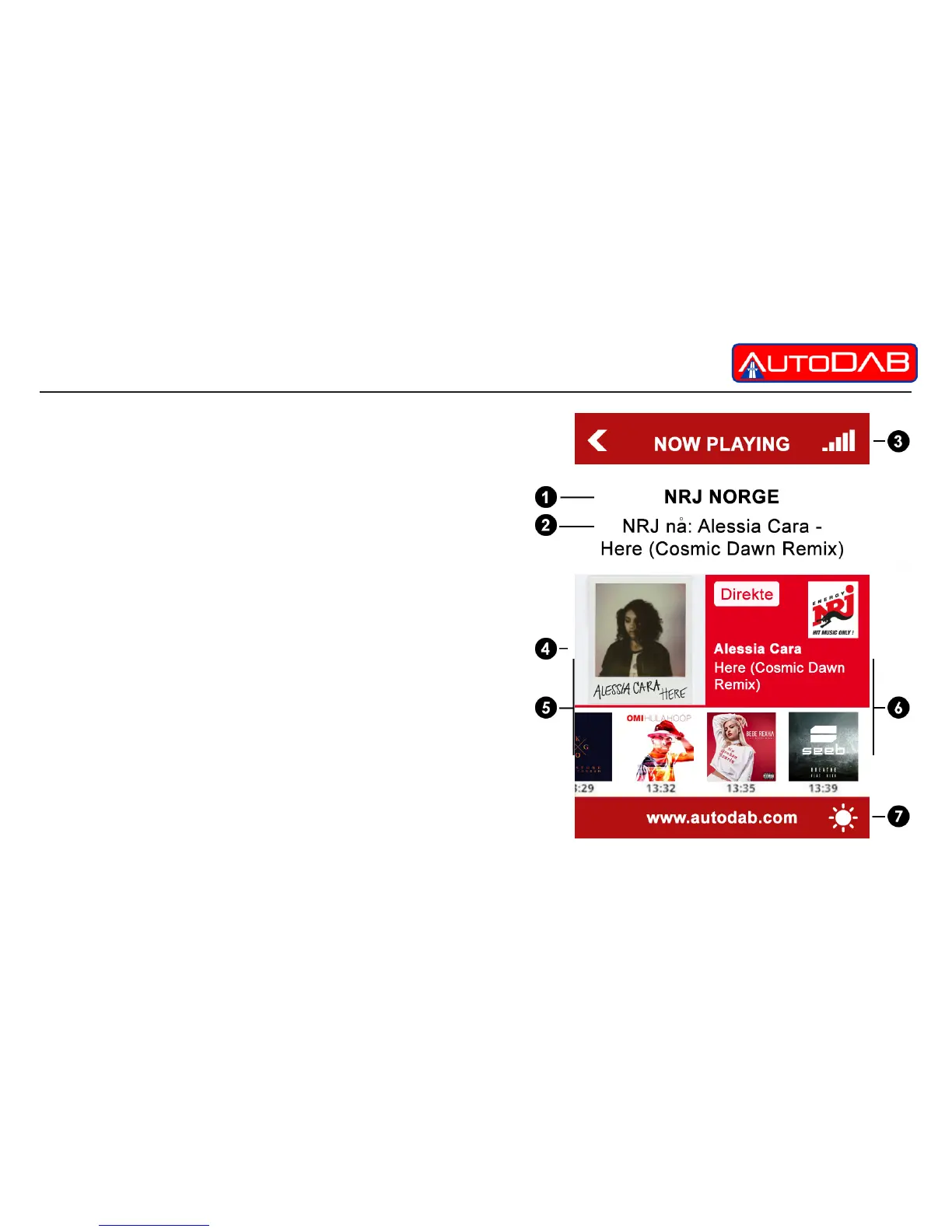
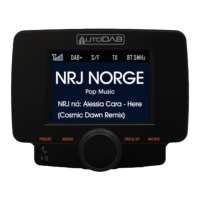
The PLAY Screen
The play screen is the screen which will be viewed the
majority of the time. It has the following features;
1. Displays the station name
2. Displays the DLS transmitted by the station
including artist and song title
3. The signal strength of the station at that point in time
4. Any slide-show pictures transmitted by the station.
5. Touch here to select previous station
6. Touch here to select next station
7. Touch screen here to select day or night mode


 To Next Page