Revised 11/19/99 • BACview
2
Hardware Guide 2 © 1999 Automated Logic Corporation
Introduction
The purpose of this section is to help you
properly wire and mount the BACview
2
.The
BACview
2
is a combination keypad and
display unit that attaches to a single control
module for local operator interface and
control. It provides limited capabilities for
viewing and changing certain parameter
values and the control module's real time
clock. To prevent unauthorized personnel
from changing values, the BACview
2
supports
optional password protection. For
instructions on using the BACview
2
, refer to
the BACview
2
User’s Guide.
The BACview
2
enhances your installation by
allowing you to view and change parameters
locally without a separate computer.
However, the BACview
2
was not designed to
serve as a job start-up tool. It is meant to help
you operate your control system by allowing
local access to the most commonly changed
parameters. Note that any parameter changes
issued from the BACview
2
exist only in the
module until you transfer them to the
workstation.
The BACview
2
can be used with any Exec 6.0
(or later) control module with a 14-pin
Auxiliary Device Port except gateway
modules. For instructions on using the
BACview
2
, refer to the BACview
2
User's Guide.
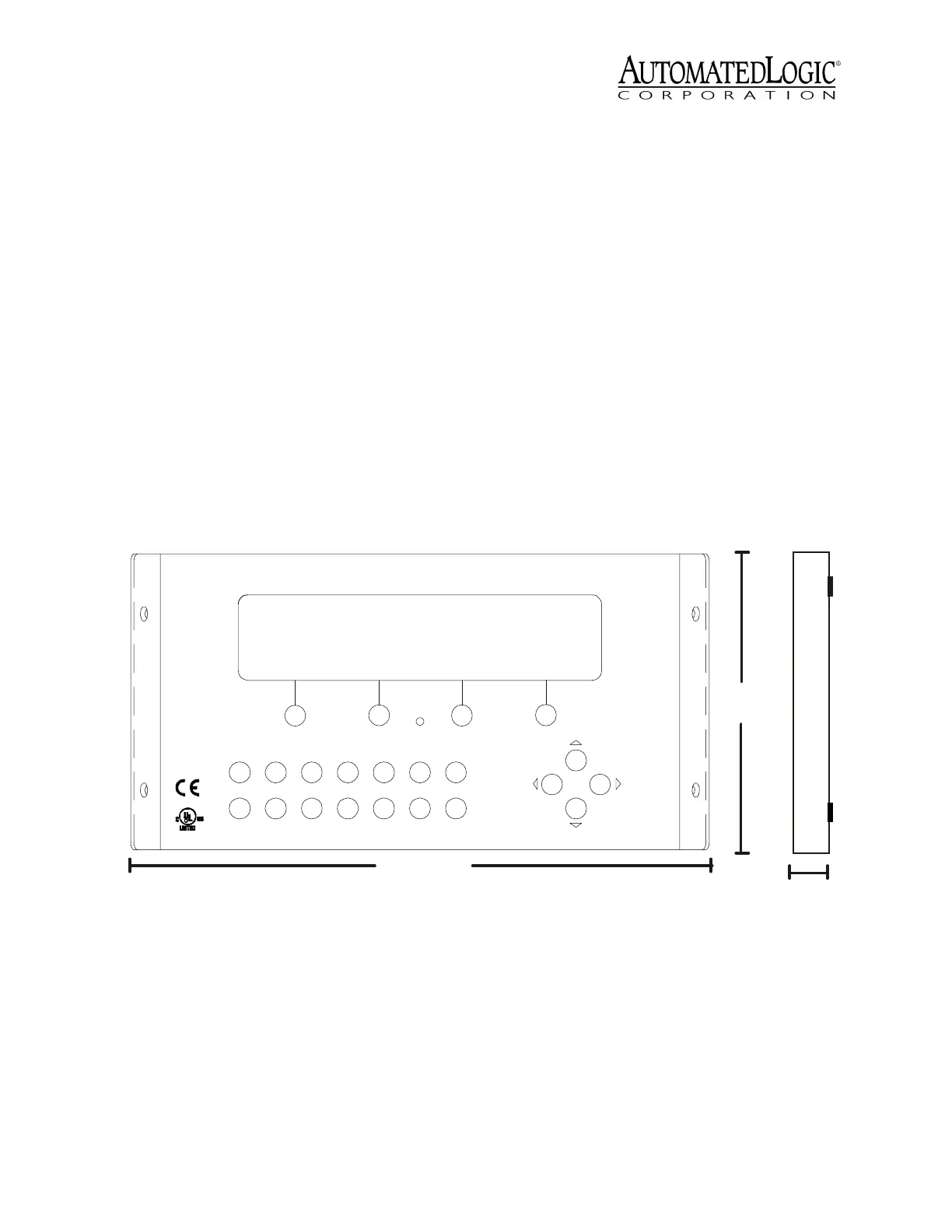
See Figure 1 for the BACview
2
dimensions
and layout.
Figure 1. BACview
2
Dimensions and Layout
1"
2.5 cm
5"
12.7 cm
93/5"
24.4 cm
ALARM
1
2345MUTEFN
ENTER.09876
88FO
E143900
TYPE: 05505
R
Open Energy
M anagement Equipment
BACview
2


 To Next Page