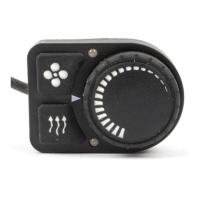
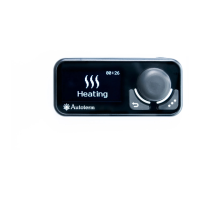
The control panel is designed for:
• manual start and shut-off of the product;
• manual start and shut-off of the pre-heater pump (for liquid heaters
Flow 5, Flow 6, Flow 10, Flow 14);
• manual start and shut-off of ventilation (for air heaters Air 2D, Air 4D,
Air 9D);
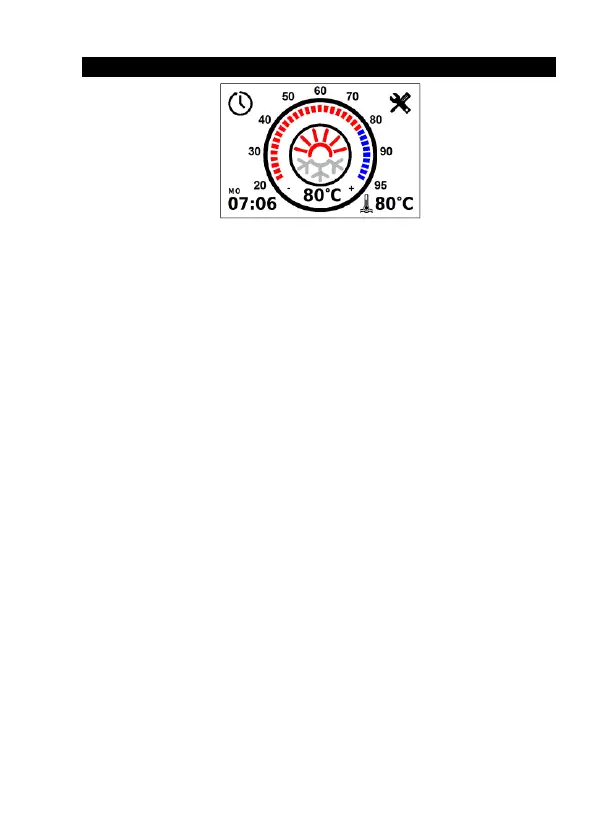
• fluid temperature display (for liquid heaters);
• power supply voltage display;
• current time and operating time display;
• setting of the liquid temperature heating limit/set-point (for the heater);
• activation of the product start-up timer;
• economy mode activation (for liquid heaters Flow 10, Flow 14);
• display of the software version of the control panel and heater;
• auxiliary heater operation mode selection (for liquid heaters);
• display of malfunction code in case of product malfunctions.
When power is supplied to the control panel,
the time must be set
The front panel of the control panel has a capacitive touch screen
that can be physically pressed (with a small amount of force). There is a
button underneath the capacitive touch screen.
The touch screen responds to touch. The start-up/shut-down com-
mand is executed by physically touching the screen only if it has not been
triggered by the capacitive touch screen.


 To Next Page
 Loading...