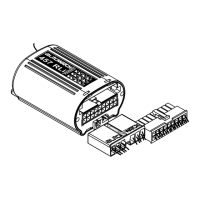
To enter service/valet mode simply enter the
disarm sequence as normal. On
ce the indication
signal flashes twice press the service button 5
times. The indication signal will flash 5 times to
confirm that your Ghost-II is now in service/valet
mode.
To manually exit service/valet mode simply enter
the disarm sequence at any time while the ignition
is switched on.
Hint: Activate service mode at the end of the
drive to the service centre to ensure it is
enabled correctly.
page 7 of 20



 To Next Page