EasyManua.ls Logo

AUVIO 16-972 - User Manual

AUVIO 16-972
28 pages
Print Icon
To Next Page IconTo Next Page
Loading...
XX-XXX
User’s Guide
Please read
this Users
T H E P E R F O R M A N C E Y O U N E E D
TM
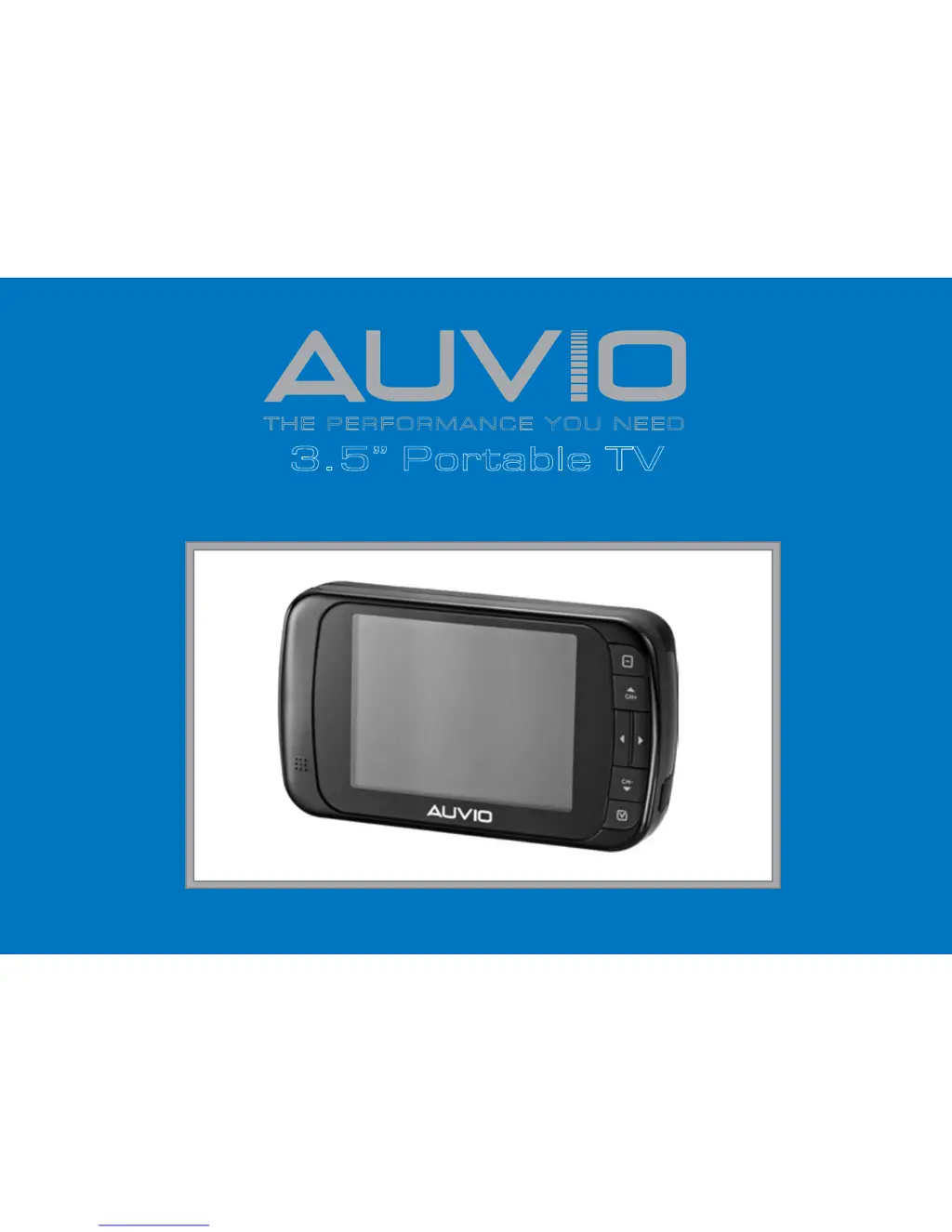
3.5” Portable TV
Please read this users guide before using your new TV.
User’s Guide 16-972

Questions and Answers

  • A
    Amber HowellJul 30, 2025
    What to do if my AUVIO Portable TV does not turn on?
    • D
      dustin67Jul 31, 2025
      If your AUVIO Portable TV isn't turning on, there are a few things you can check. First, the batteries may be dead, so try replacing them. If you're using the AC adapter, ensure it's securely plugged into the wall outlet. Also, test the outlet with another appliance to confirm it's working.
  • J
    Joyce ShawAug 7, 2025
    How to fix intermittent signal on AUVIO 16-972 Portable TV?
    • J
      jenna31Aug 7, 2025
      To fix an intermittent or absent TV signal on your AUVIO Portable TV, ensure your antenna is connected and undamaged. Adjust the antenna's position, as the signal strength may be low. If you're indoors, try moving the TV near a window. Also, move the TV away from other appliances that could cause interference, such as a microwave.
  • L
    Leslie WaltersAug 15, 2025
    Why is there poor sound on my AUVIO 16-972?
    • T
      Tiffany McguireAug 15, 2025
      If you're experiencing poor or no sound on your AUVIO Portable TV, try selecting another audio language, as some programs don't have multiple audio tracks. Also, adjust the volume level. If you're using earphones, ensure they are working correctly and are fully plugged in.
  • K
    Kelly HarveyAug 22, 2025
    What to do if the picture is distorted on AUVIO 16-972?
    • A
      Alyssa BenderAug 22, 2025
      If the picture on your AUVIO Portable TV is distorted, make sure the correct display mode is selected. Also, check if the Aspect Ratio is set properly.

Summary

Safety and Precautions

Important Safety Instructions

Essential safety guidelines for using the TV to prevent injury or damage.

Precautions

Specific operational and environmental precautions for safe and optimal TV use.

Product Information

Package Contents

Lists all items included in the product packaging for the portable TV.

Product Features

Highlights the key capabilities and design aspects of the portable TV.

Setup and Usage

Powering Your Portable TV

Instructions on how to power the portable TV using batteries or an adapter.

Antenna Setup and Reception

Guidance on extending and positioning the antenna for optimal signal reception.

TV Operation and Settings

Menu Navigation and Control

Navigating the TV's main menu, submenus, and basic controls.

Channel Tuning and Management

Covers Auto Search, Quick Search, Channel Edit, and Channel Hop for channel tuning.

Electronic Program Guide (EPG)

Information on accessing and using the EPG for program schedules and details.

Customizing TV Functions

Explains various settings like Mode Selection, Brightness, Aspect Ratio, Audio, and Menu Edit.

Technical Details and Support

Viewing Channel Information

Details displayed for analog and digital TV channels, including program information.

Technical Specifications

Detailed technical data for RF reception, display, power, and audio.

Troubleshooting Common Issues

Guides users through resolving common problems like no power, poor signal, or no sound.

FCC Compliance and Limited Warranty

Outlines FCC compliance, product warranty terms, and service contact information.

AUVIO 16-972 Specifications

General IconGeneral
Screen Size7 inches
Resolution480 x 234
Aspect Ratio16:9
TunerATSC
Power SourceAC adapter, Rechargeable battery
ConnectorsAV input

Related product manuals