EasyManua.ls Logo

AV Access 4KEX300-F - User Manual

AV Access 4KEX300-F
20 pages
Print Icon
To Next Page IconTo Next Page
Loading...
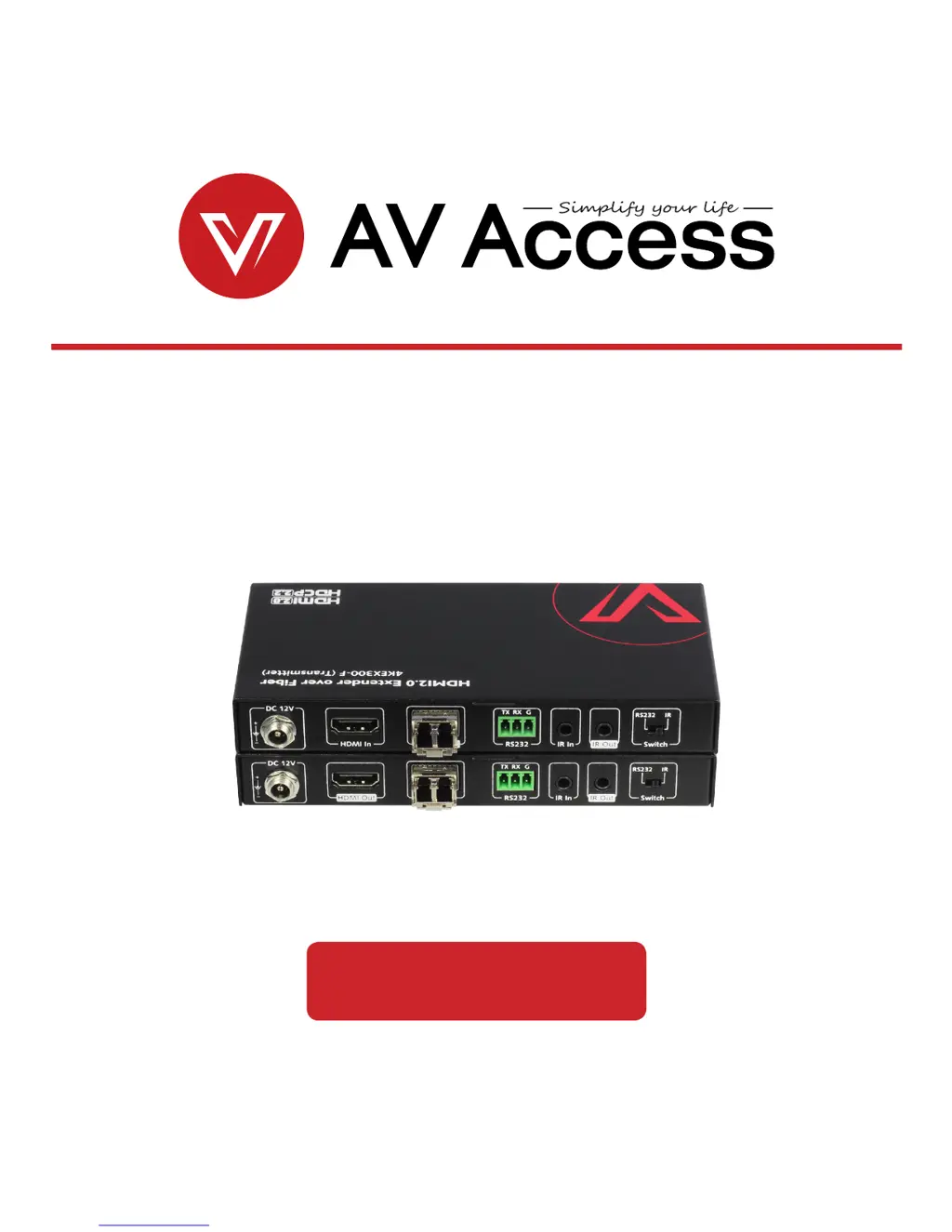
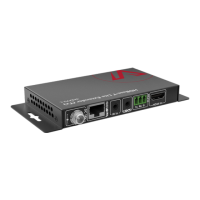
4KEX300-F
HDMI2.0 Extender over Fiber
User Manual

Questions and Answers

  • M
    Matthew WatsonJul 27, 2025
    What to do if the HDMI/fiber cable is not working with AV Access Extender?
    • G
      George VillaJul 27, 2025
      If you're experiencing issues with your AV Access Extender, try unplugging and then re-plugging the HDMI or fiber cable. Alternatively, try using a different HDMI or fiber cable. Also, ensure the cable length is within the specified transmission range for the resolution you are using, as listed in the product specifications.
  • K
    kylerodriguezAug 7, 2025
    What to do if AV Access Extender has compatibility issues?
    • K
      Kevin KennedyAug 7, 2025
      To determine if there is a compatibility issue with your AV Access Extender, test the setup with alternative source and display devices.
  • S
    Steven CummingsAug 15, 2025
    What to do if AV Access 4KEX300-F Extender doesn't display picture?
    • M
      megan23Aug 15, 2025
      Make sure the picture displays correctly when you connect the source directly to the display device, bypassing the AV Access Extender.

Summary

Introduction to 4 KEX300-F Extender

Product Overview

A summary of the 4KEX300-F HDMI extender's capabilities and applications.

Key Features

Lists resolutions, HDR, distance, audio support, and connectivity features.

Package Contents

Details all items included in the product package for setup and installation.

Panel Interface Details

Front Panel LEDs

Explanation of the status indicators on the front panel of the device.

Transmitter Rear Panel Ports

Description of the input/output ports on the transmitter unit's back panel.

Receiver Rear Panel Ports

Description of the input/output ports on the receiver unit's back panel.

Installation and Application Guides

Applied Installation 1

Setup guide for controlling the source device from the display location.

Applied Installation 2

Setup guide for controlling the display device from the source location.

RS232 Pass Through Functionality

Technical Specifications

Technical Specs Details

Detailed technical data including signal type, resolution, and audio format.

Cable Specifications

Performance details for HDMI and optical fiber cables at various resolutions.

Troubleshooting Guide

Troubleshooting Routine Steps

A routine process for diagnosing and resolving common operational issues.

Typical User Questions

Answers to frequent user queries on video flash, IR signals, and third-party control.

Warranty Information

AV Access 4KEX300-F Specifications

General IconGeneral
BrandAV Access
Model4KEX300-F
CategoryExtender
LanguageEnglish

Related product manuals