9
Operation Instructions
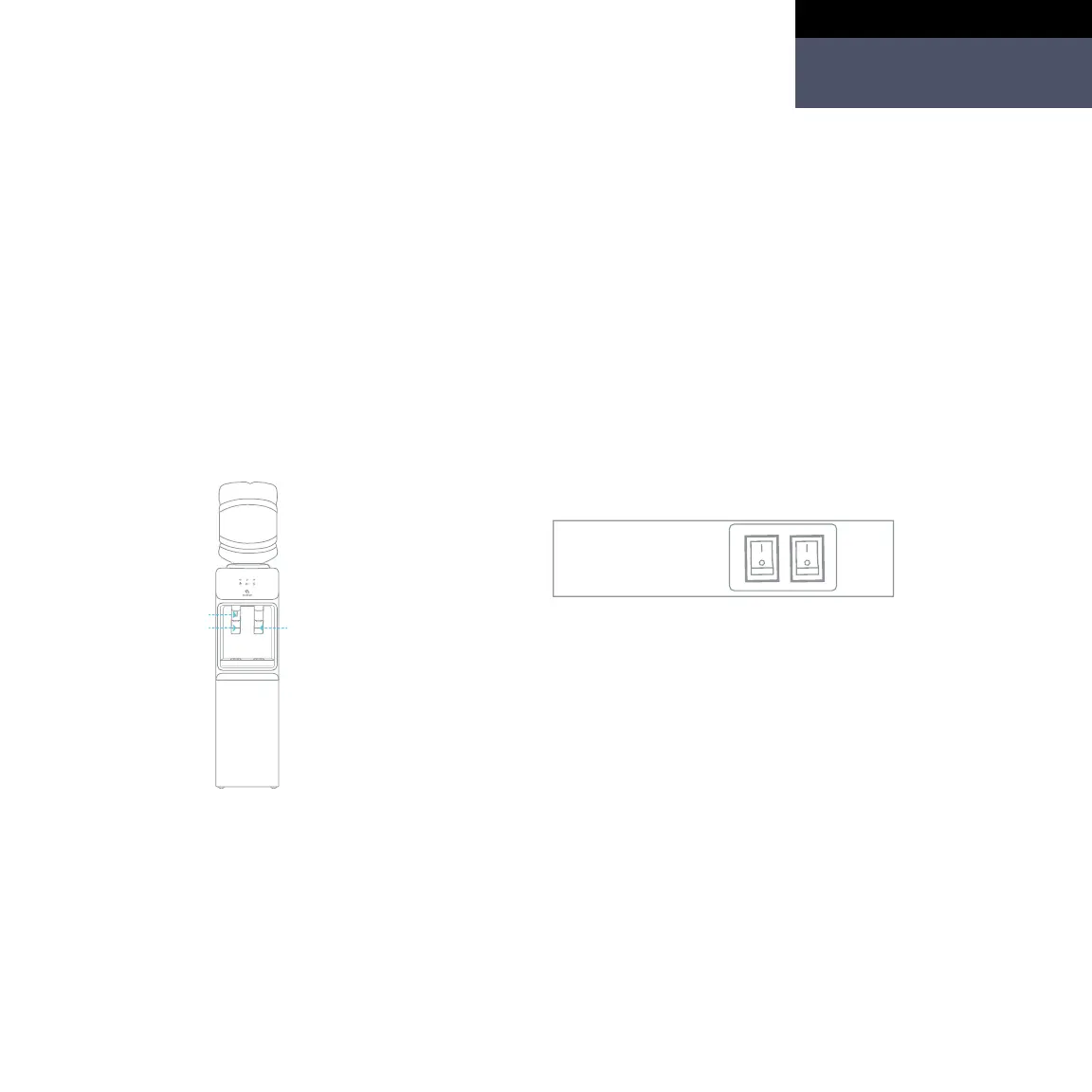
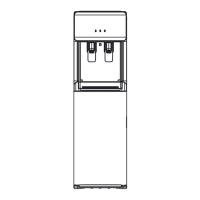
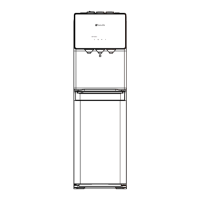
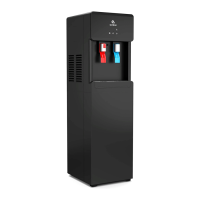
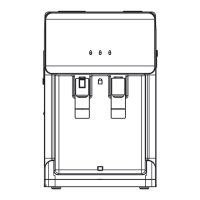
3. Press the hot (#9) and cold (#6)
water press paddles for the hot
(#8) and the cold (#5) water spout
to dispense a drop of water. To
dispense water from the hot water
spout (#8), please press and hold
the red child safety lock button
(#7) and press the hot water press
paddle (#9) simultaneously.
4. Once water is dispensing from both
spouts insert the power plug into a
power socket. Turn on (I) the heating
switch (#12) and the cooling switch (#11).
(If you do not wish to have hot water,
please leave the heating switch (#12) in
the o (O) position. If you do not wish to
have cold water, please leave the cooling
switch (#11) in the o (O) position.)
For hot water For cold water
Getting Started
English



 To Next Page