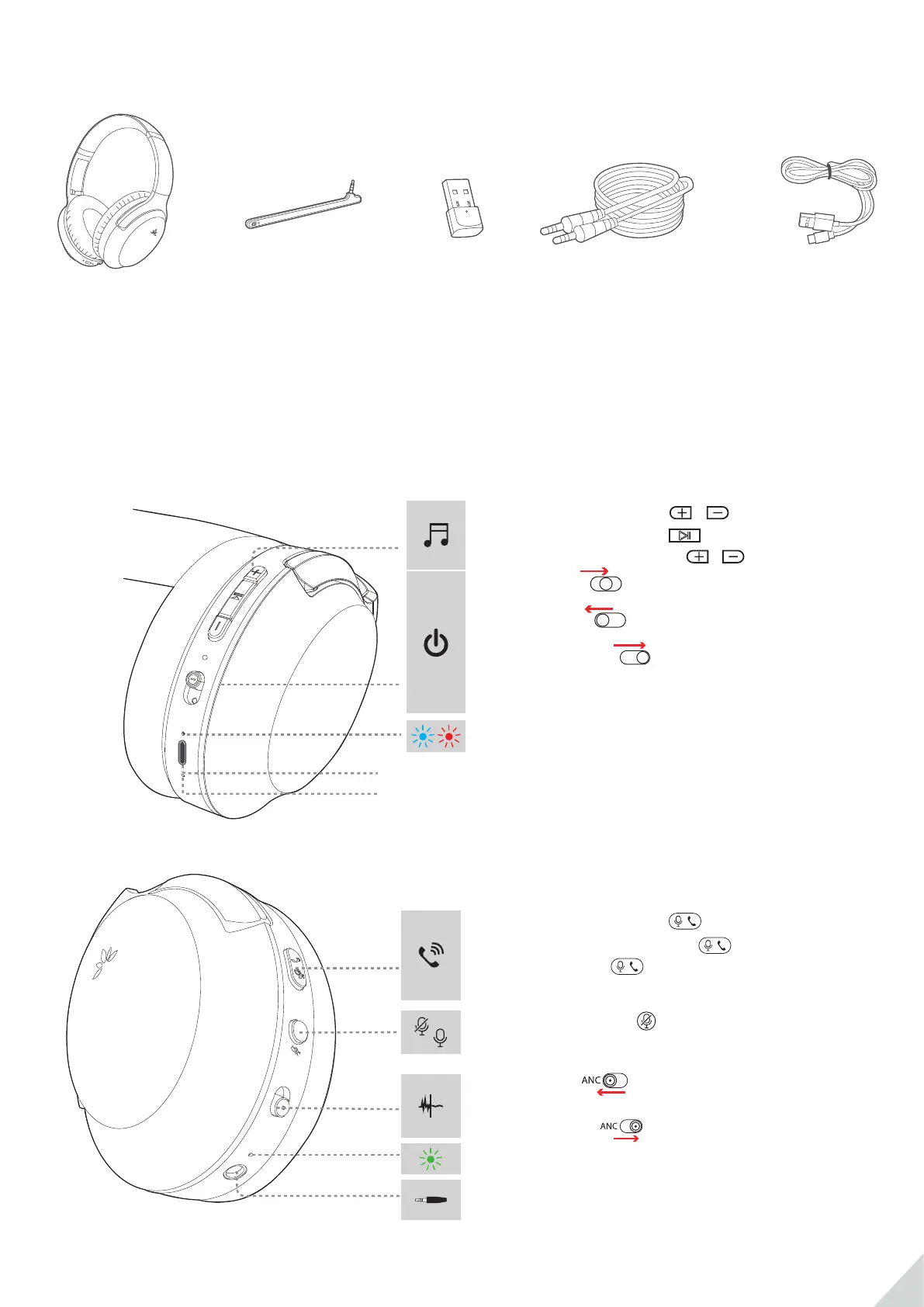
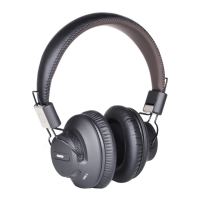
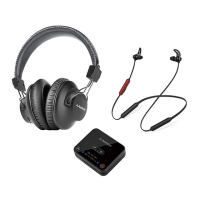
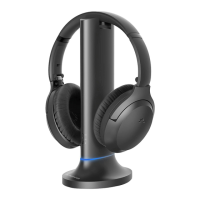
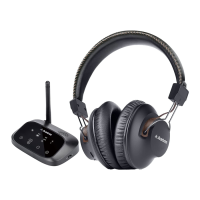
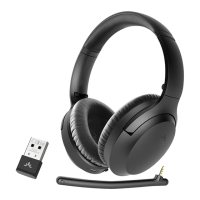
Box Contents
Product Overview & Basic Operations
Ⓐ
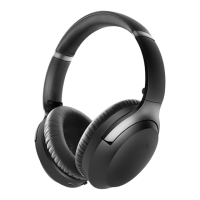
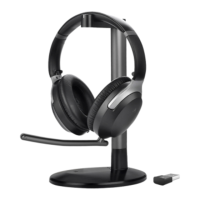
Aria 90B
Ⓑ
Boom mic
Ⓒ
mini-USB
Bluetooth Dongle
(DG10)
Ⓓ
AUX audio
cable
Ⓔ
Type C
charging cable
ANC
PAIR
OFF
ON
Power ON : Slide to ON (middle position)
Power OFF: Slide to OFF
Pairing Mode*:
Slide to ”
PAIR” and hold
for 3s until LED blinks RED & BLUE alternately
then release
PAIROFF
ON
PAIROFF
ON
PAIROFF
ON
Headphones status LED
Next / Previous track: Hold / for 2s
Volume up / down: Press / once
Play / Pause music: Press once
Answer / End a call: Press once
Redial most recent call: Press twice
Reject a call: Hold 2s when receiving call
(ONLY works when connected to mobile device)
/
Activate ANC: slide the the switch to ANC,
ANC LED turns GREEN (Headphones must be ON)
Deactivate ANC: ANC LED turns o
ANC status LED
AUX port for plugging in boom mic / AUX audio
cable
Mute/ Unmute: Press once
(ONLY works when connected to mobile device)
R
Charging port
Built-in microphone
L
1


 To Next Page