Overview
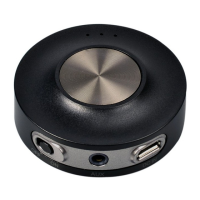
What’s in the box
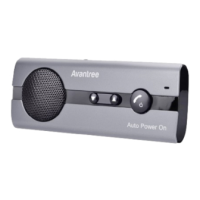
1. Avantree CK11
2. USB Car Charger
3. USB charging cable
4. Sun-visor clip
Basic Operations
Note: When the microphone is muted, please be aware that the speakers may still be on.
LED Indicators
Power on Slide to ON
Slide to OFF
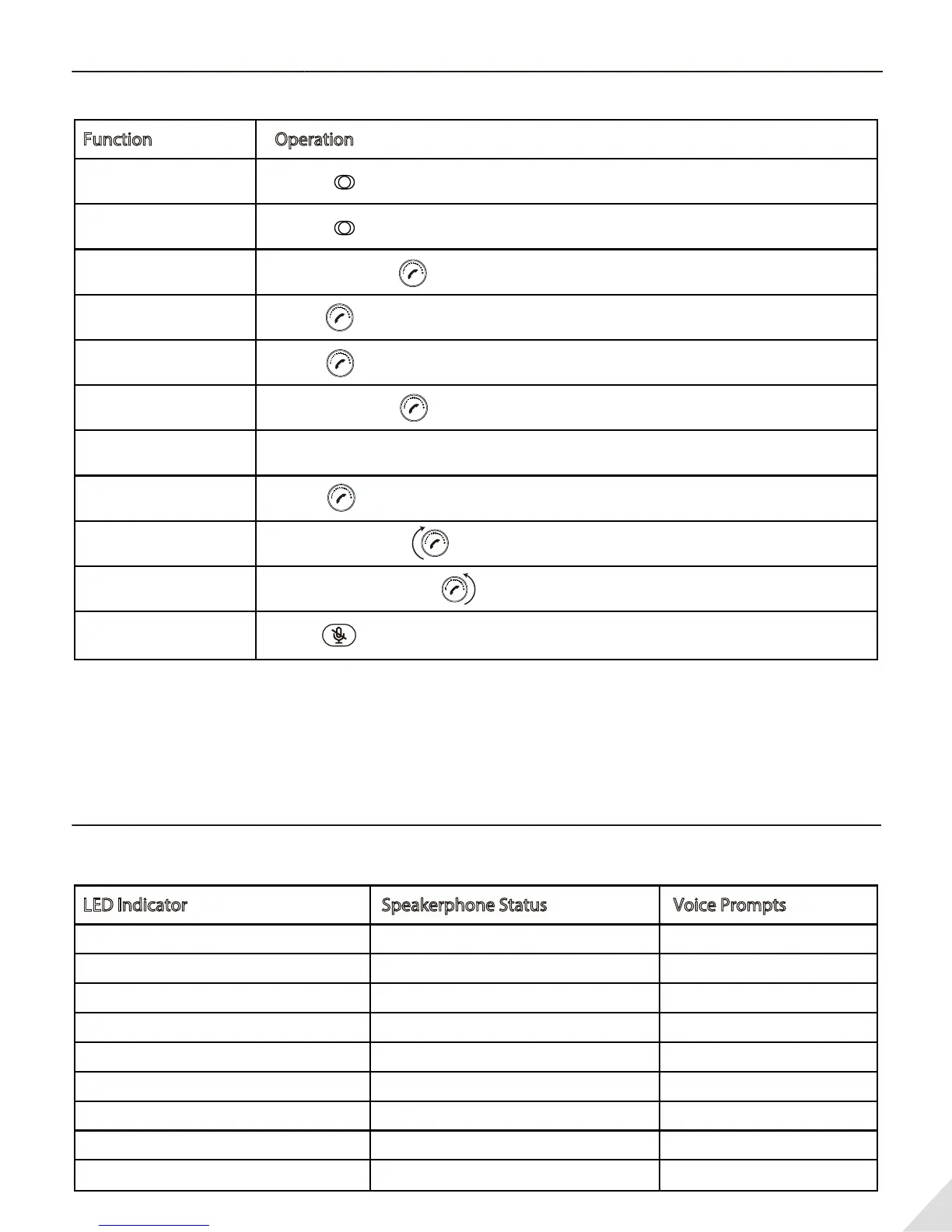
Function
Operation
2
Answer / End a call
Reject a call
Redial
Voice control
(phone feature)
Volume up
Power O
Blue LED on 1 second
Blue LED ash twice every 5 seconds
The red and blue LED ash alternate
Blue LED ash once every 5 seconds
Blue LED ash once every 5 seconds
Red LED ash every 5 seconds
Red LED on 1 second
Red LED steady on
Red LED o
LED Indicator
Speakerphone Status Voice Prompts
Manually re-connect
Pairing mode
Press once
Mute/Un-mute the
microphone
Volume down
ON OFF
ON OFF
Press and hold for 3s until the LED ashes Blue and Red alternately
Press once
Press and hold for 1s
Double click
Press once
Rotate clockwise
Rotate anticlockwise
Press once(during a call)
Power on
Standby
(Disconnect Bluetooth Device)
Pairing in progress
Standby mode
(Connect Bluetooth Device)
Play Music
Low voltage
Power o
Charging in progress
Charging completed
"Power On"
"Paring"
"Battery Low"
"Power O"



 To Next Page