Installing and operating the AIWS and the AIWS2
366 Avaya DECT R4 - Installation and Maintenance Guide 02/2016
Software installation
AIWS
For information on the software installation, see
Maintenance information for the AIWS on
page 550.
See also
Getting Started with the AIWS on page 505.
AIWS2
For information on the software installation, see
Maintenance information for the AIWS2 on
page 590.
See also
Getting started with AIWS2 on page 509.
Configuration and AIWS setup Wizard
Accessing AIWS
When accessing AIWS the first time, follow the instructions in Getting Started with the AIWS on
page 505 and
Getting started with AIWS2 on page 509.
Note:
Note: The IP address must not change during operation because renew of IP address
via DHCP is not handled. Other equipment connected to this product also
expects a fixed IP address in some cases. If the IP plan is changed, this product
must be restarted to update the IP address. Otherwise there is a risk for IP
address collision.
For information about Power Down and Restart, see
Powering down and restarting the Elise 2
Server (AIWS Hardware) on page 527 and Powering down and restarting the Elise 3 Server
(AIWS2 Hardware) on page 564.
Basic configuration steps
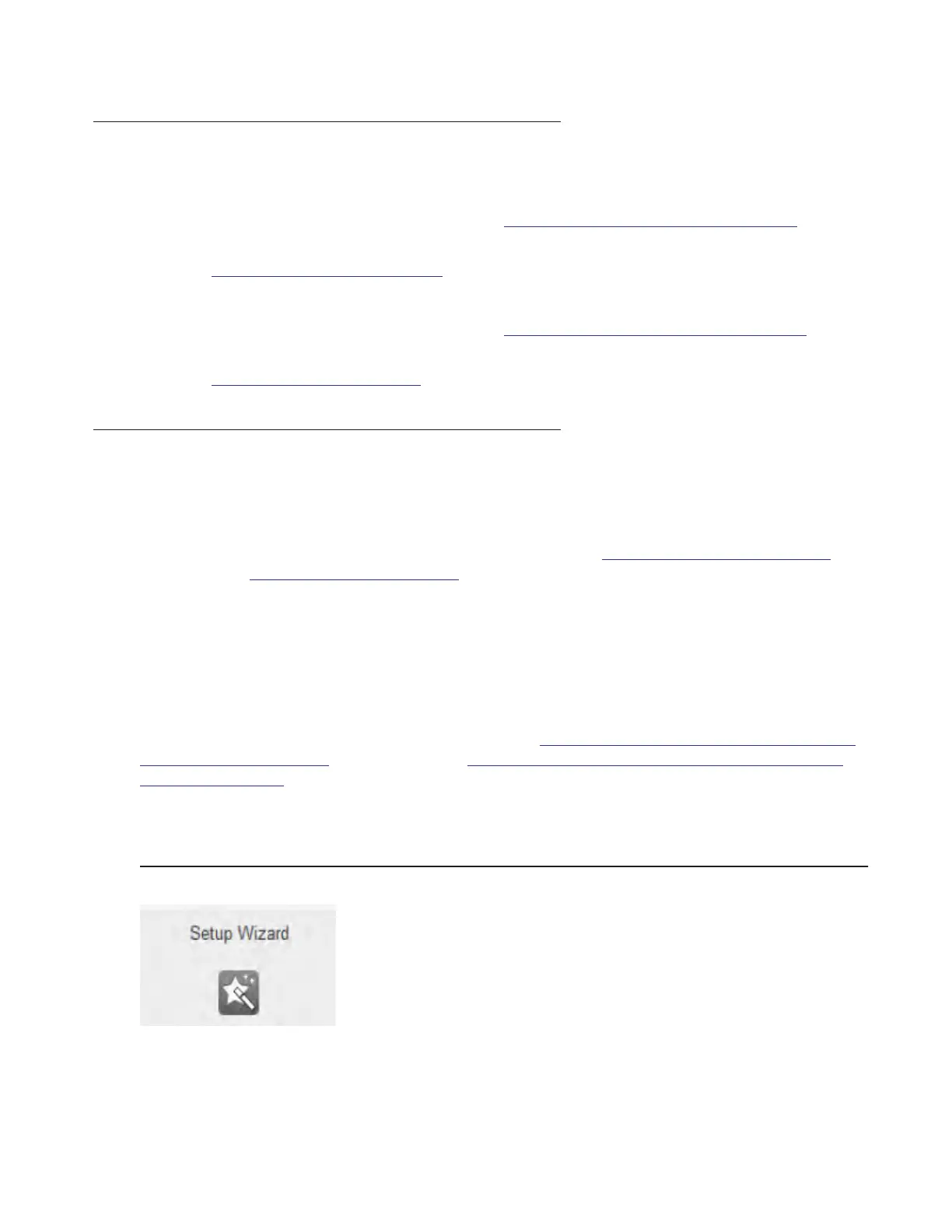
Figure 83: Setup Wizard button on AIWS start page



 To Next Page