Replacing the G430 cover
About this task
Electrostatic alert:
Do not touch any components on the printed circuit board.
Procedure
1. Place the G430 cover back on the unit.
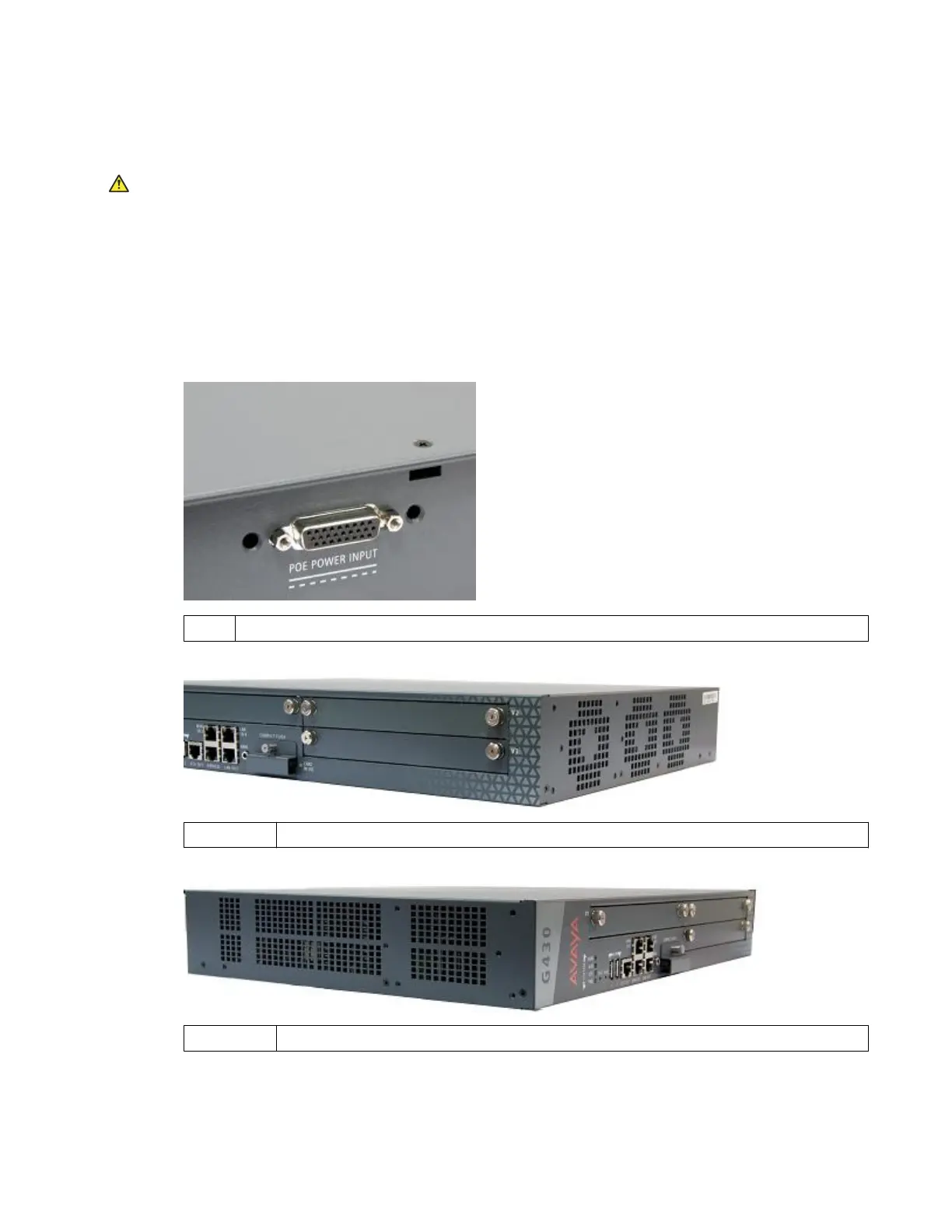
2. Screw in the eight cover screws you previously removed. Their locations are indicated by
small arrows etched into the cover:
• One screw on the top as shown in the following figure.
1. G430 top cover screw.
• Four screws on the right side as shown in the following figure.
1 — 4 Four G430 right-side cover screws.
• Three screws on the left side as shown in the following figure.
1 — 3 Three G430 left-side cover screws.
3. Attach the mounting brackets to the G430, if applicable.
January 2018 Installing the upgrade memory kit in the G450 and G430 Media Gateway 9



 To Next Page