page 9 User guide MX-8
not interrupt“). Pushing the preset knob indicates „no“ and the display will
show „Changes discarded!“.
• The following 4 sections will describe the programming possiblities of the
4 menu items. For quick reference, there is a table of all programmable
settings at the end (in section 4.2.5).
4.2.1 Preset
• Preset name: Determine the name for a given preset. The procedure is
described in detail in section 4.1.
• Preset master molume: Setting the master volume for a given preset.
• Preset output: Choose the desired outputs for a given preset. The
procedure is described in detail in section 4.1.
4.2.2 Parameters
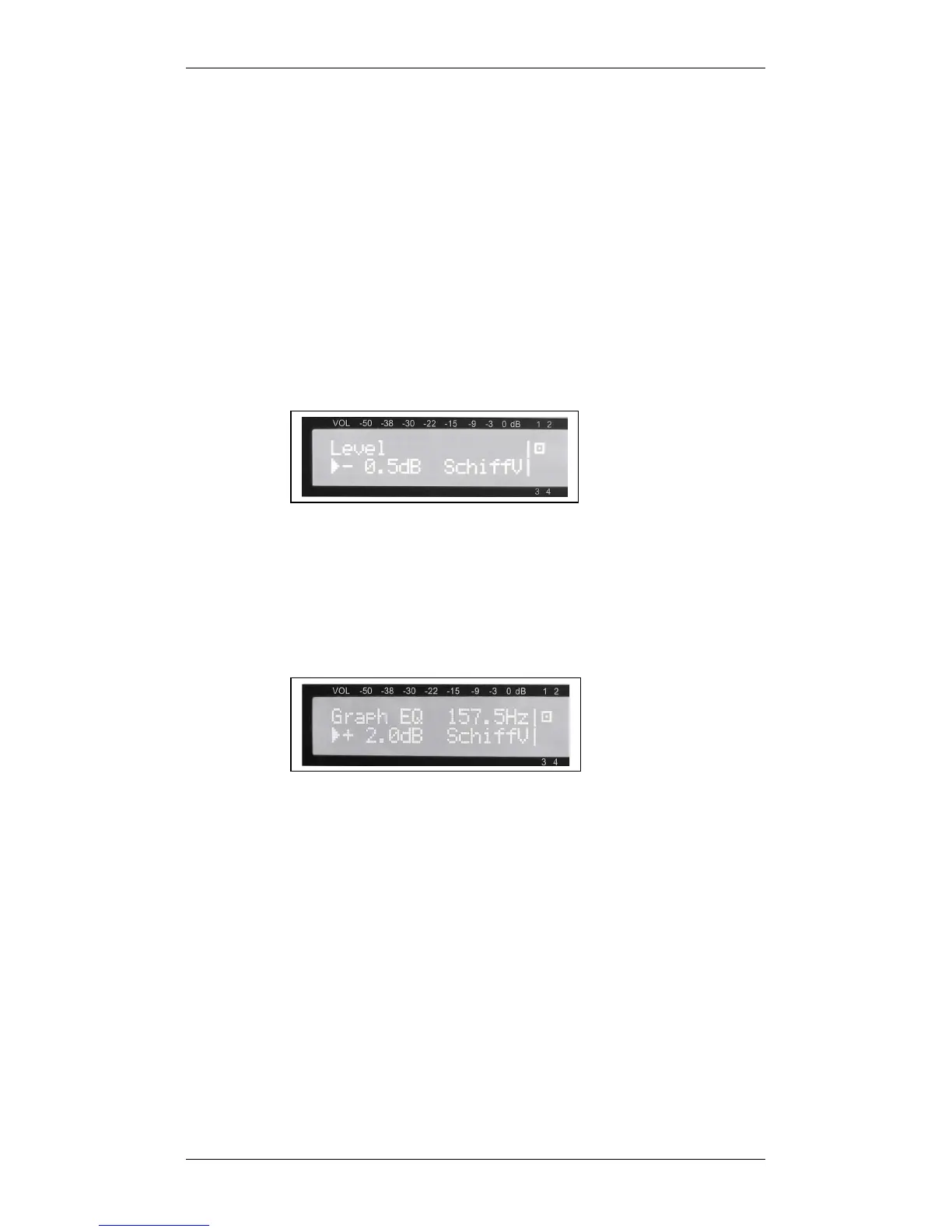
• Level: Determine the level for each output. Set the desired value by
turning the volume knob. Pushing the preset knob will bring you to the
next output. With this indivudual level setting, you will achieve an optimal
balance of the outputs which remains even when changing the master
volume.
• Delay: Dalay time for the outputs 3 and 4 only. It can be set in 1-meter
increments and the corresponding delay time is given in milliseconds
(calculated according to a speed of sound of 343 m/s, corresponding to a
room temperature of 20 °C). Here, too, pushing the preset knob will
move you from one output to the next.
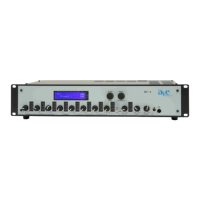
• Graph EG: Set the level of the 12 bands of the graphic equalizer for
each of the 4 outputs (see picture below). By turning the preset knob,
you will move to the next frequency; again by pushing it, you will move to
the next output. Please note: The variable graphic equalizer VariGraph
allows you to choose the frequencies of the 1
st
and 12
th
band of the
equalizer for an optimal adjustment to each and every application. These
frequencies can be set under the item „config“ as described in section
4.2.3. The frequencies of the 10 bands in between are calculated
automatically.
• Param EQ 1 Freq: Set the 1
st
frequency of the fully parameteric
equalizers (range: 20 Hz to 20.45 kHz). Here, too, the value is set with
the volume knob. Pushing the preset knob will bring you to the next
output, so you can set the first frequency for each output.
• Param EQ 1 Gain: Set the gain of the 1
st
band (range: +18 to -44 dB).
Between +18 and -20 dB very fine 0.5 dB increments are possible.
• Param EQ 1 Q: Set the Q-factor for the 1
st
band (range: 0.2 to 100;
logarithmic increments 0.2, 0.22, 0.25, 0.28, 0.32, etc.). The high Q-
factors enable extremely narrow-band notch-filters for ideal feedback
elimination.
• Param EQ 2-4 Freq: Proceed as described above for bands 2, 3, and 4.
• Param EQ 2-4 Gain: Proceed as described above for bands 2, 3, and 4.
• Param EQ 2-4 Q: Proceed as described above for bands 2, 3, and 4.


 To Next Page