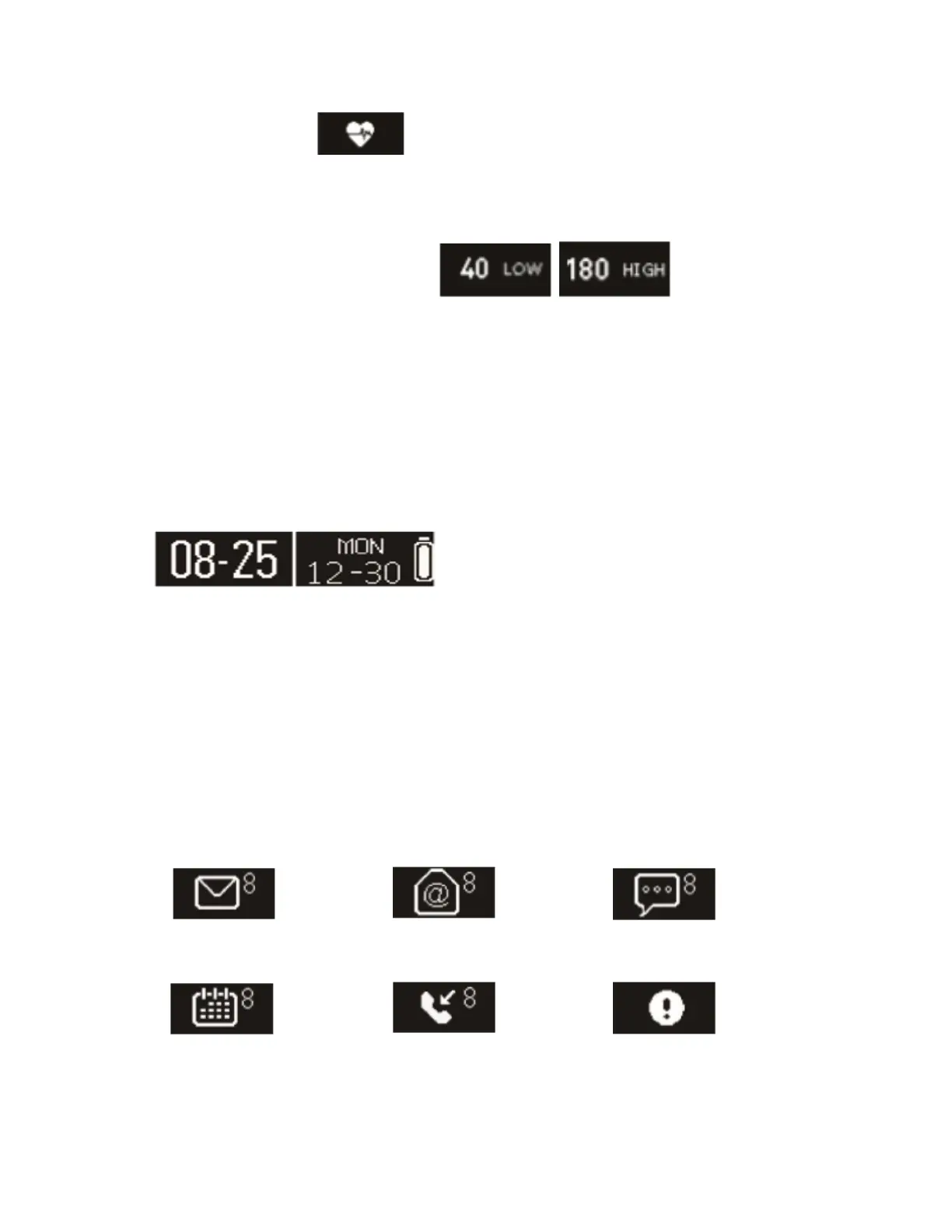
watch will show this icon . After a minute, it will get result with vibration and
will exit automatically.
When the user’s heart rates are out of range in the app’s setting, it will show the
high or low icons such as the following: .
If you want to exit in advance, please long press for 3s to exit the function.
11. Battery
You can check the battery of the watch on the home page while the date icon can
be chosen from the app.
12. Notifications
In the app, click Settings > Notifications and enable the desired notifications then
synchronize each notification with the watch. If you want to remove some notifications,
please slide the radio button to the left and click the watch screen to cancel the
notification. Otherwise, the notification will show up again next time when the screen is
activated.



 To Next Page