Android Users: You have to enable LeClock APP notifications in your phone
Settings -> APP Management -> Leclock notifications
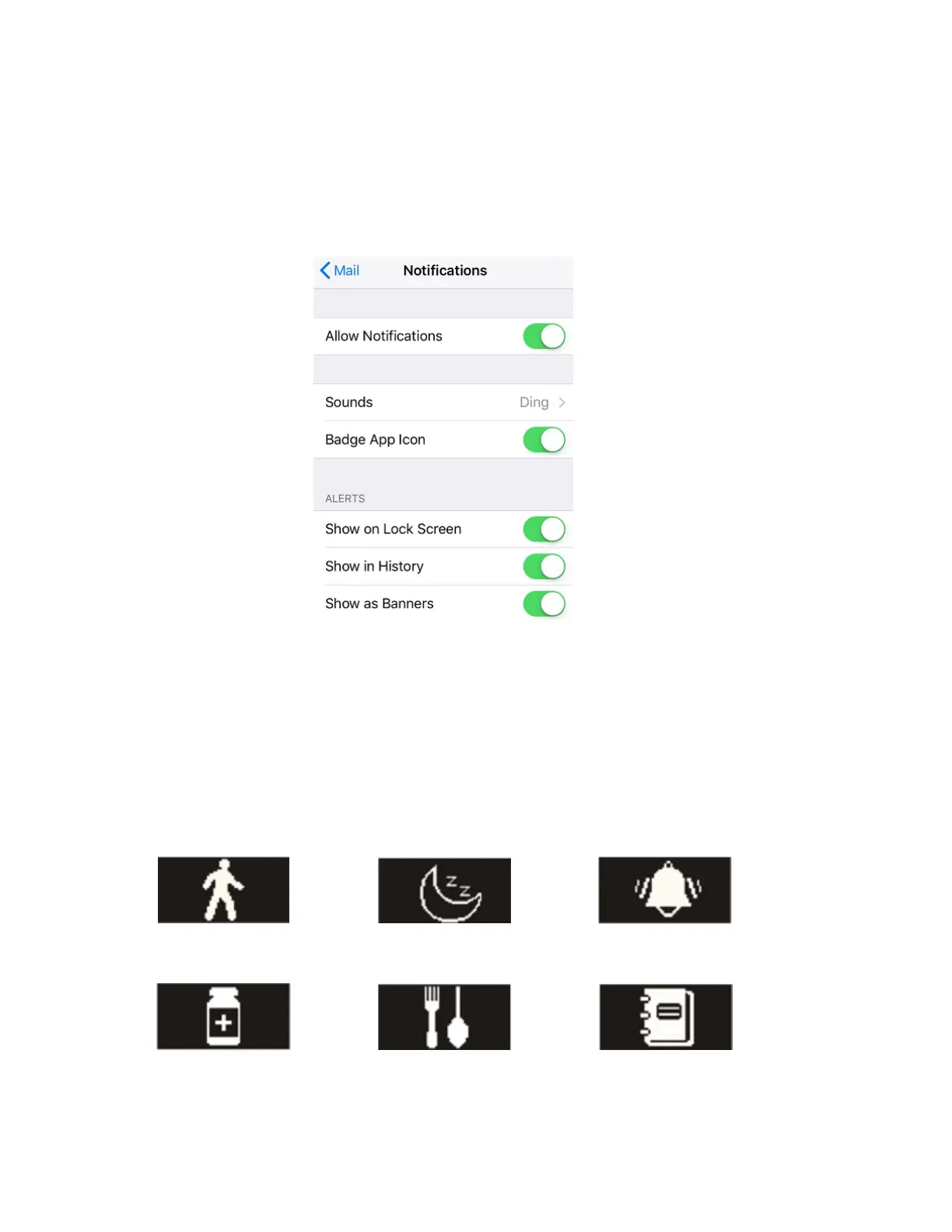
iOS Users: You have to enable banners in your device app list (Email, Wechat
etc. as shown on the picture below)
13. Reminder
In the app, go to Settings > Reminders, then click “+” to add reminders. You can set
six (6) kinds of daily reminders and you may select the provision type, preference time,
and date. Your watch will vibrate slightly and display the corresponding reminder icon to
remind you. Click the watch to cancel the reminder.



 To Next Page