11
FRFR
960P WIFI OUTDOOR IP CAMERA
D - CONFIGURATION
iOS
Android
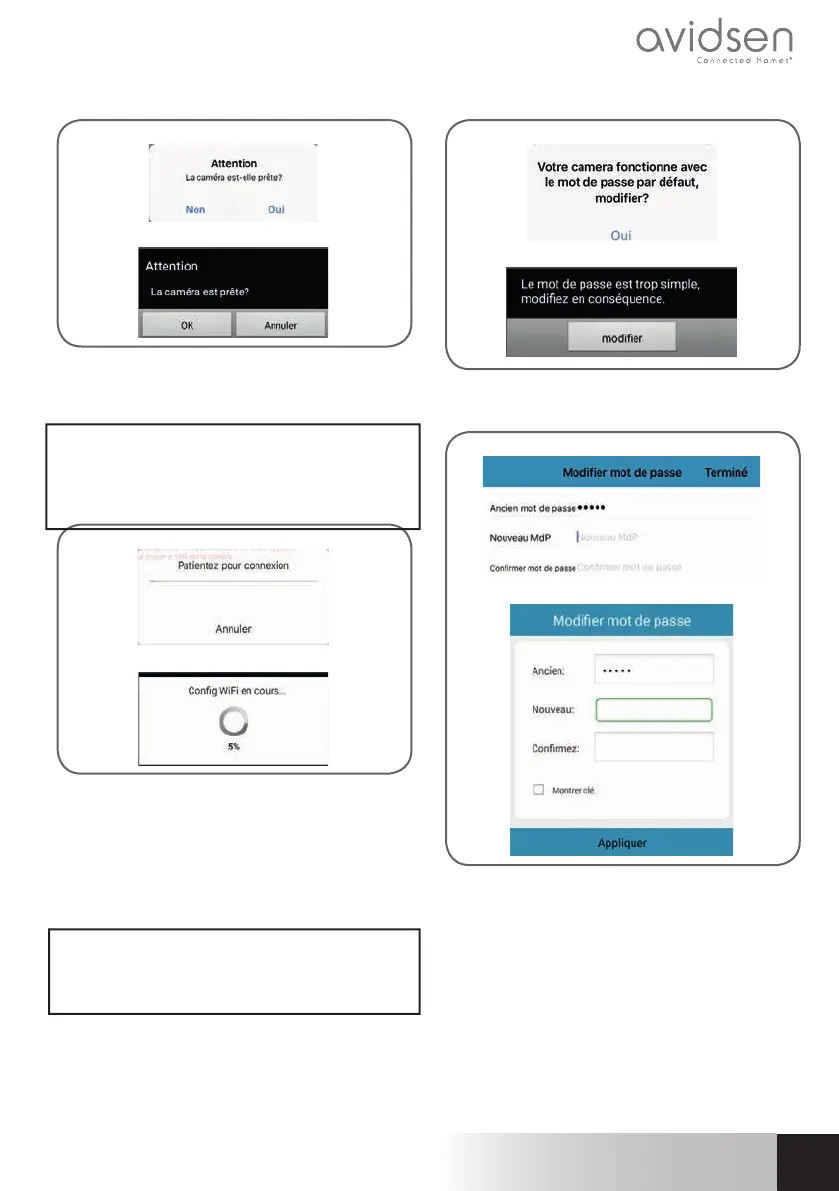
If your camera is nearby and not confi gured, click
“Oui” (Yes) or “OK” to begin confi guration using the
app.
Note: the camera will take 30 seconds to load
up after being switched on. Position yourself near
your camera and your WiFi access point with your
smartphone’s volume set to maximum.
iOS
Android
Once the WiFi connection information has been sent
to the camera by the app, the camera will connect
to the network using WiFi.
Your smartphone or tablet will ask you to change
the password:
Important: the password must be a combination of
at least 8 letters and numbers. The application will
refuse any passwords considered too simple.
iOS
Android
Click “Oui” (Yes) or “Modifi er” (Change) and enter
a new password
iOS
Android
Finally, click on “Terminé” (Done) on the upper right-
hand side of the screen or on “Appliquer” (Apply)
to add the camera to the list of cameras recognized
by the app.



 To Next Page