EasyManua.ls Logo

Avidyne 700-00030-805 - User Manual

Avidyne 700-00030-805
132 pages
Print Icon
To Next Page IconTo Next Page
Loading...
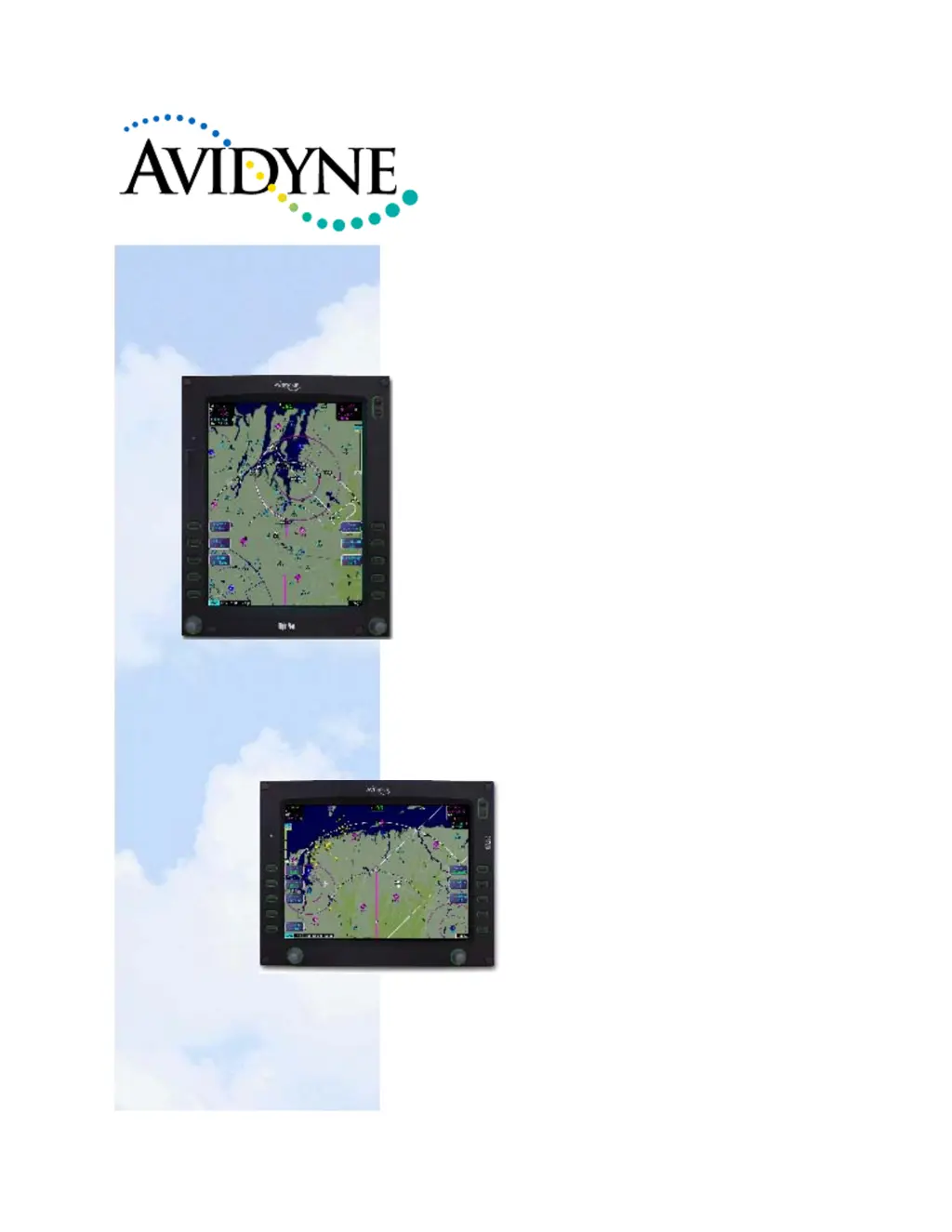
Entegra and Envision
EX5000 Series MFD
Installation Manual
Models:
700-00004-()
700-00030-()
P/N 600-00073 Rev 24

Table of Contents

Questions and Answers

  • S
    sandra69Aug 9, 2025
    What to do if Avidyne 700-00030-805 radar sensor is not communicating?
    • J
      James BuckleyAug 9, 2025
      If the Avidyne GPS radar sensor is not communicating, first ensure the radar sensor is turned on and valid. Next, check that the EX5000 is properly seated in its tray. Finally, verify the system wiring.
  • A
    Amber ClayAug 15, 2025
    Why is radar automatic standby disabled on my Avidyne 700-00030-805?
    • J
      Jason FrazierAug 15, 2025
      If the radar automatic standby is disabled on your Avidyne GPS, ensure that the GPS/FMS is ON and valid. Also, verify the system wiring. For further troubleshooting guidance, consult the RADAR Sensor Installation and User’s Manual.
  • T
    Terry HarmonAug 21, 2025
    What to do if I see invalid GPS data on my Avidyne system when the radar is ON?
    • E
      Elizabeth MannAug 21, 2025
      If you are getting invalid GPS data and the radar is ON, first verify that the GPS/FMS is ON and valid. Also, verify system wiring. For further troubleshooting guidance, consult the RADAR Sensor Installation and User’s Manual.
  • K
    kathryndominguezAug 27, 2025
    How to fix invalid radar sensor data on Avidyne 700-00030-805 GPS?
    • H
      Henry BrennanAug 27, 2025
      If the radar sensor data is invalid on your Avidyne GPS, cycle power on the EX5000. For further troubleshooting guidance, consult the RADAR Sensor Installation and User’s Manual.
  • L
    linda55Sep 2, 2025
    What to do if Avidyne 700-00030-805 radar sensor has failed?
    • W
      woodwardjustinSep 2, 2025
      If the Avidyne GPS radar sensor has failed, check the R/T configuration module error log. For further troubleshooting guidance, consult the RADAR Sensor Installation and User’s Manual.

Summary

General Information

MFD Technical Specifications

Provides detailed specifications including display, weight, electrical requirements, and TSOs.

Configuration Options

Details sensor options and their port configurations, including GPS/FMS, Traffic, and Datalink.

Installation Planning

Electrical and Sensor Interfaces

Details power requirements, dimming, and wiring specifications for various interfaces.

Wiring External Devices

Instructions for wiring various external devices like GPS, FMS, Datalink, and sensors.

MFD Feature Setup and Checkout

Using the Maintenance Mode Page

Guide to accessing and using the MFD's maintenance mode for setup and configuration.

GPS;FMS Navigators Setup

Instructions for configuring GPS/FMS systems for interface with the MFD.

Lightning Sensor Setup

Configuration steps for WX-500 and TWX-670 lightning sensors.

Traffic Sensor Setup

Configuration steps for various traffic sensors like TAS, TCAD, and TIS.

RADAR System Calibration

Steps to calibrate the radar R/T unit using the Entegra or Envision EX5000.

Post-Installation Check

Avidyne 700-00030-805 Specifications

General IconGeneral
BrandAvidyne
Model700-00030-805
CategoryGPS
LanguageEnglish

Related product manuals