Product information
Avira Professional Security - User Manual (Status: 23 Sep. 2011) 12
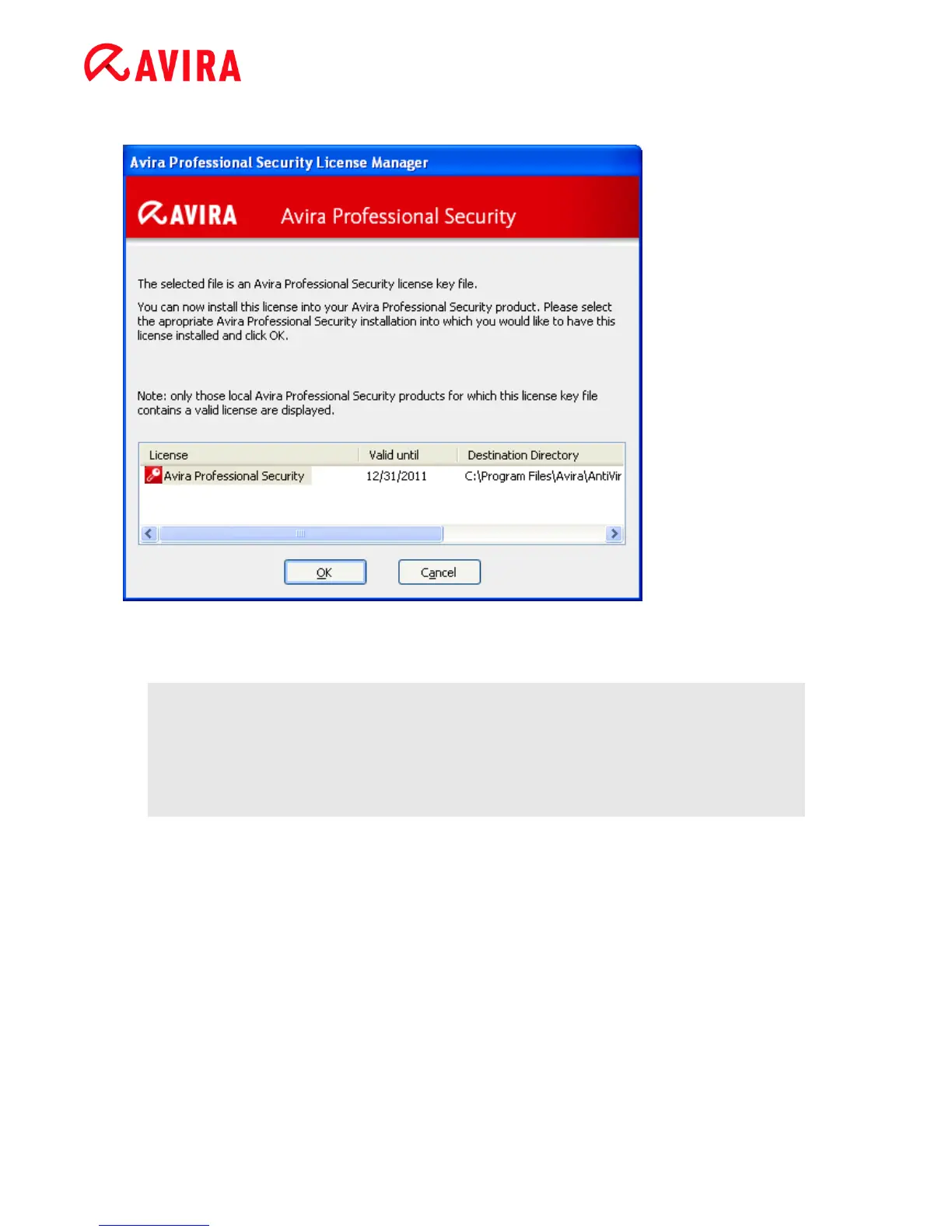
Avira Professional Security License Manager
You can install the license by selecting the license file in your file manager or in the
activation email with a double click and following the relevant instructions on the screen.
Note
The Avira Professional Security License Manager automatically copies the
corresponding license in the relevant product folder. If a license already exists,
a note appears as to whether the existing license file is to be replaced. In this
case the existing file is overwritten by the new license file.



 To Next Page