7
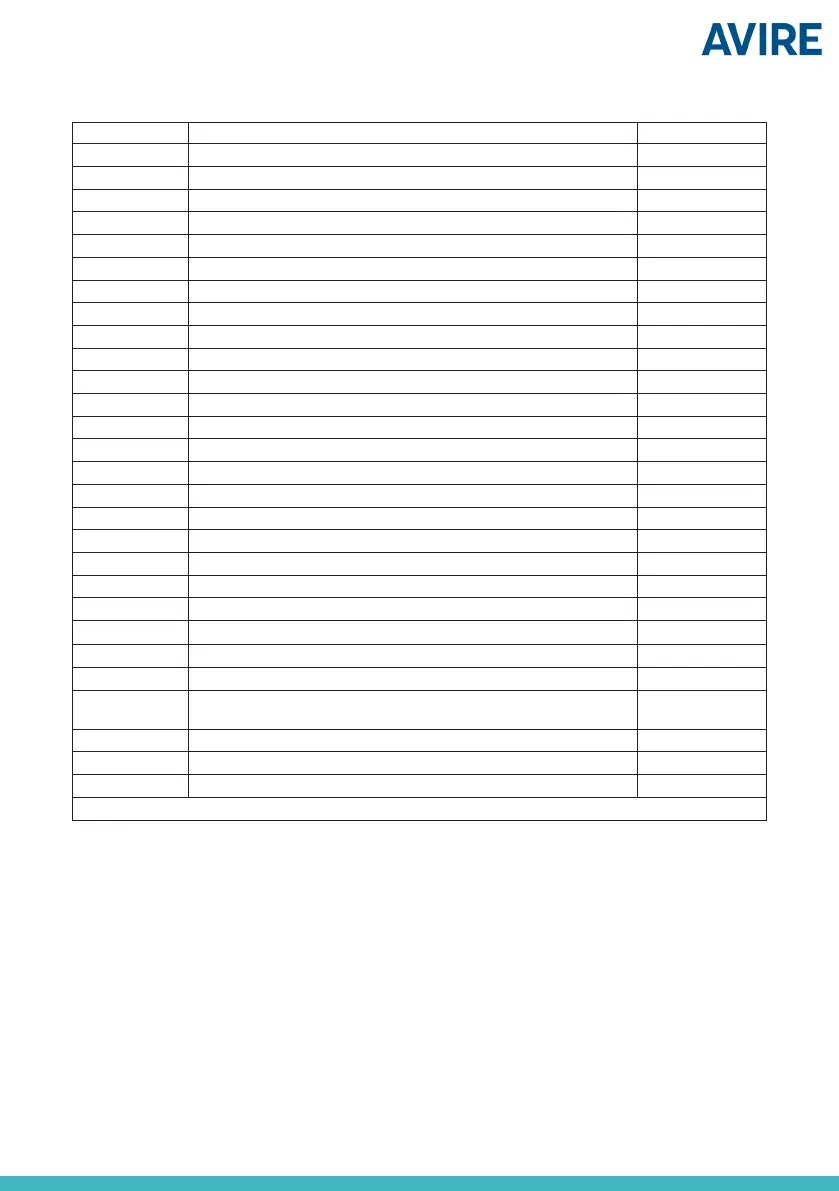
CMD Description Default value
Pc01 End of Alarm (EOA) -
Pc02 Reset of Alarm (ROA) -
Pc03 Firmware Version -
Pc06 Device Status -
Pc07 Direct the rst alarm call to DCP telephone (0 =No, 1= Yes) 0
Pc08 Alarm call bypass lter time (0-10 s) 10
Pc09 Reset to Factory Default 1234567890
Pc10 Reboot Digital Audio Unit 1234567890
Pc11 Alarm Button Countdown timer (seconds) 3
Pc12 Alarm Filter Input (0=O ; 1=On) 1
Pc13 Cancel alarm by pressing alarm button (0=O ; 1=On) 0
Pc14 Wait for Alarm Acknowledgment (0=O ; 1=On) * 1
Pc15 Automatic End of Alarm EOA (0=O ; 1=On) 0
Pc16 Privacy Mode ** (0= O, 1= On) 1
Pc17 Type of cabin alarm button (0= n/o; 1=n/c) 0
Pc18 Type of maintenance alarm button (0= n/o; 1= n/c) 0
Pc19 Type of end of alarm button (EOA) (0= n/o; 1=n/c) 0
Pc21 LED Mode (0=Full ; 1=EN81-28) 1
Pc22 Alarm Call Retry Attempts 5
Pc23 Maintenance Call Retry Attempts 3
Pc24 Lift Car Microphone Volume 5
Pc25 Lift Car Speaker Volume 5
Pc26 Lift Car Announcement Volume 5
Pc27 Floor voice synthesis 1
Pc28
Language ***
(1=Spanish;2=Portuguese;3=Italian;4=English;5=German;6=French)
400000
Pc29 Time between alarm calls (in seconds) 0
Pc32 Extended Address 00
Pc33 Battery check enabled 1
c = number of the car you need to check/ congure
*If the Alarm Acknowledgement is on, the Operator must press “0” to acknowledge the alarm.
**The microphone inside the car is disconnected if there’s no emergency alarm call.
***The DAU can use up to six simultaneous languages, each digit being its sequence order.
The table below indicates all the parameters which can be set on the DAU:


 To Next Page
 Loading...