6
PROGRAMMING THE DAU
The CAN DAU LPBus is congured via the DCP. The DCP can be congured remotely via the Avire
Hub or via SMS.
1) THE AVIRE HUB
+ All settings can be congured remotely via the Avire Hub
+ The link to the Avire Hub is avirehub.avire-global.com Please contact your local sales oce to get
access to the Avire Hub.
2) SMS COMMANDS
+ All DAU parameters can be remotely congured via SMS.
+ Each SMS message should begin with ‘Pin1234’ which is the access code to read or to make any
changes to the conguration of the DCP.
+ You can modify or check several parameters in each SMS by separating them with commas “,”
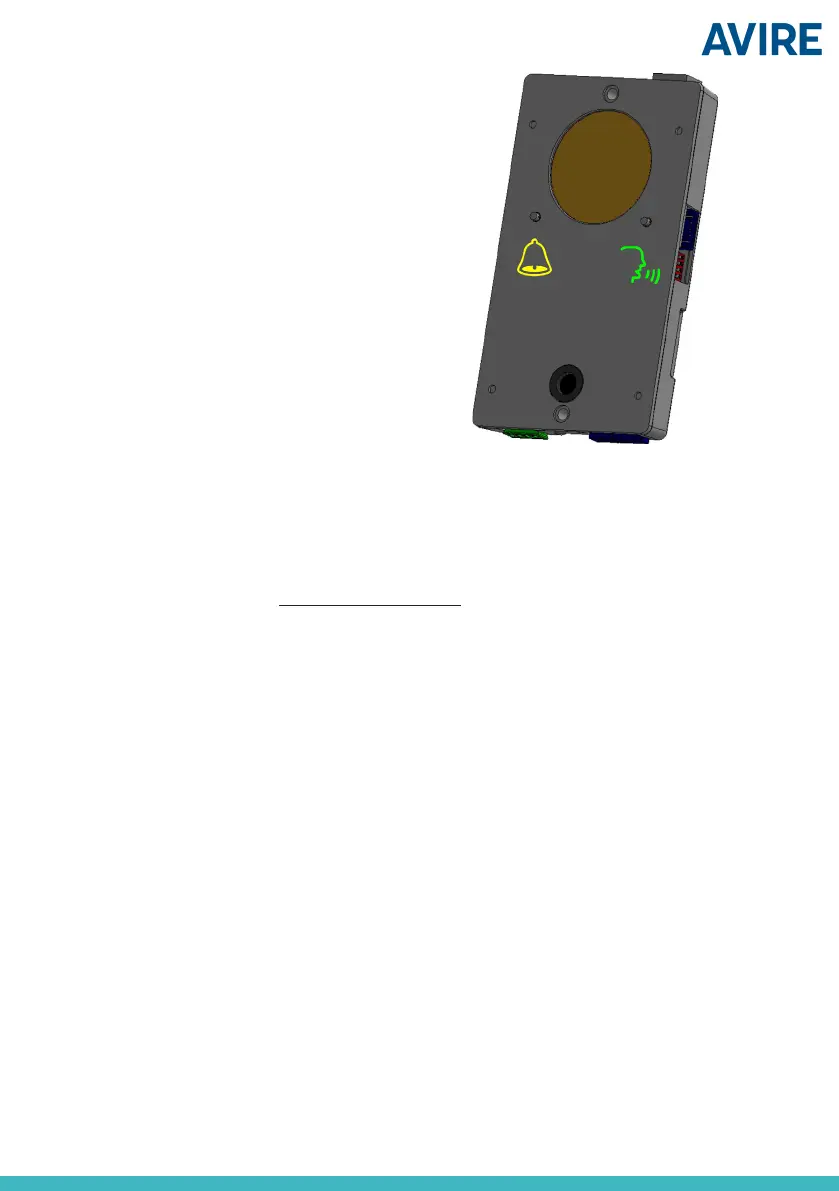
If the DCP doesn’t have access to voice
call, yellow and green LEDs will both ash
until the issue is solved.
To send parameter information:
Pin1234, PcXX then value to set, (send)
‘c’ indicates the cabin number for each lift shaft (1, 2, 3 or 4)
To read parameter information:
Pin1234, PcXX? (send)
Note: Use a question mark ‘?’ when you are reading parameters.
Example:
To nd out values set for the parameters 12, 19 and 23 for cabin 1:
Pin1234, P112?, P119?, P123?
To set parameters 19=1 and 23=3 for cabin 2:
Pin1234, P219 1, P223 3
Example how to set type of cabin alarm button (Pc17) in cabin 3 to normally closed (value 1):
Pin1234, P317 1


 To Next Page
 Loading...