User’s Manual
2.6 How to View Scanner’s Detailed Information
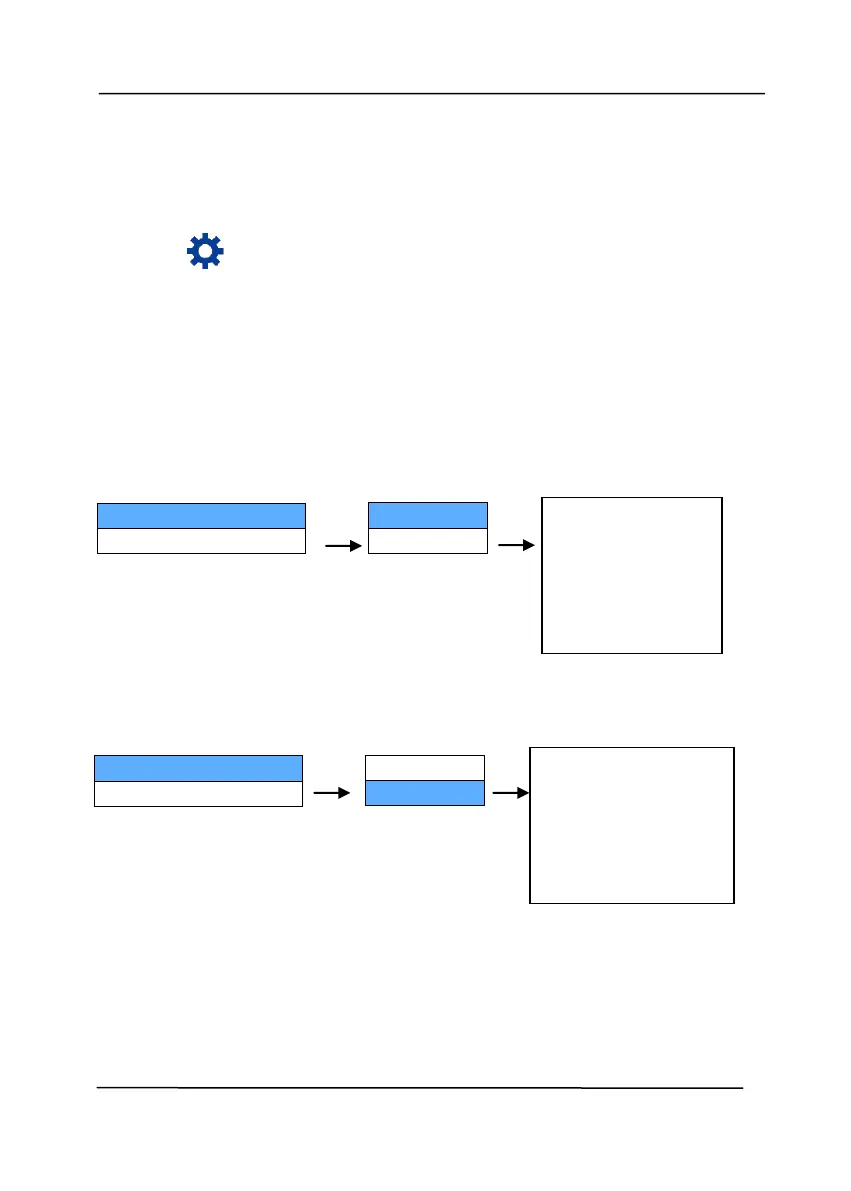
1. On the scanner, press (Down arrow) to select [More
Setting] and then press (OK) to confirm. The screen
including [Information] option will be displayed.
2. Select [Information], and press (OK), and then choose
your desired option. The information about the option will be
displayed as indicated.
Scanner Information:
Counter Information :
Counter : The scan count of ADF roller and Friction Roller
Model Name:
XXXXX
FW Version:
5.xxxxxxx
S/N:
Axxxxxxxx
Total:
10
ADF:
5
Friction Roller:
5



 To Next Page