User’s Manual
Note: If you have purchased a duplex sheet-
fed scanner, choose [Merge Two Sides] on the
[Scan Source], then the scanner is able to scan
both sides of your document and merge them
into a single image.
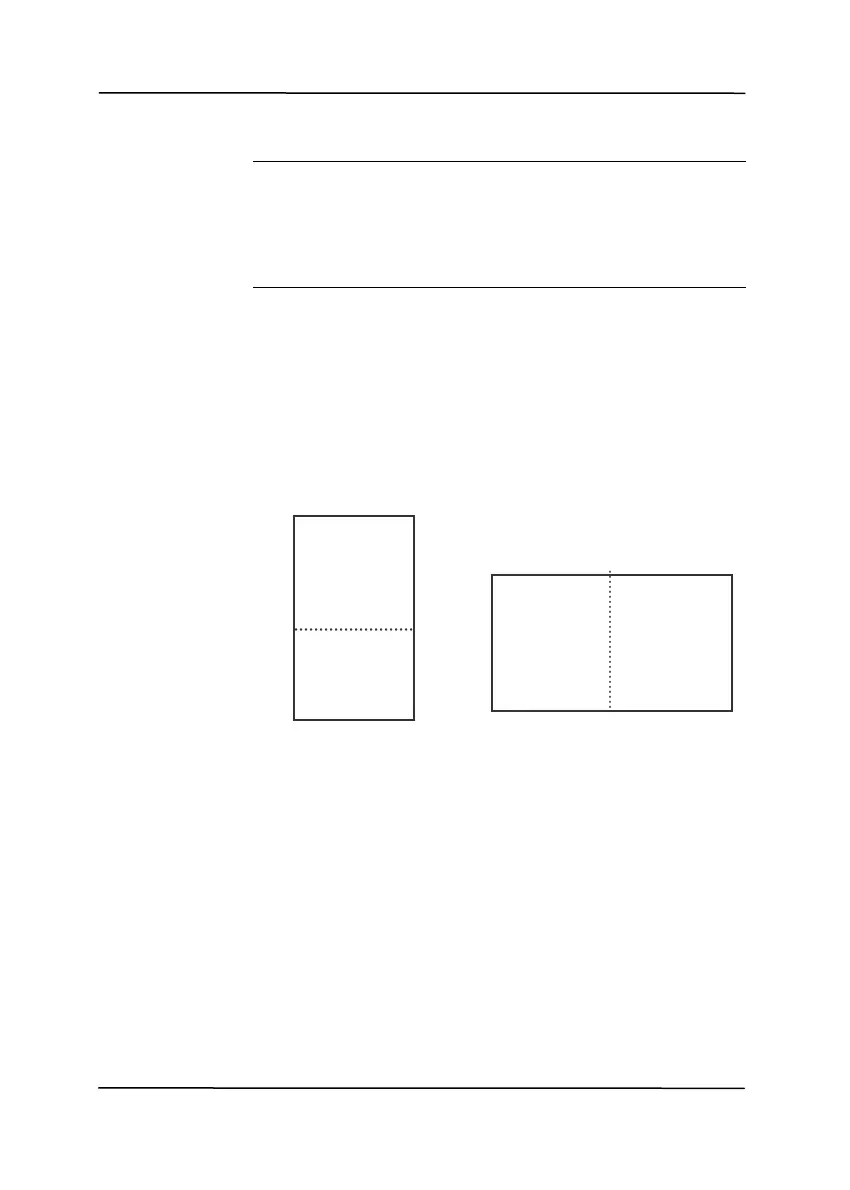
Select the “Merge Vertically” option to merge
the front side and the rear side of a page into
one image vertically. If the “Merge Vertically”
option has not been selected, the front side and
the rear side of a page will be merged into one
page horizontally.
Front
Side
Rear
Side
Merge Vertically
Side
Rear
Side
Front
Merge Horizontally
Note the options vary based on type of
scanner.
4-21



 To Next Page