User’s Manual
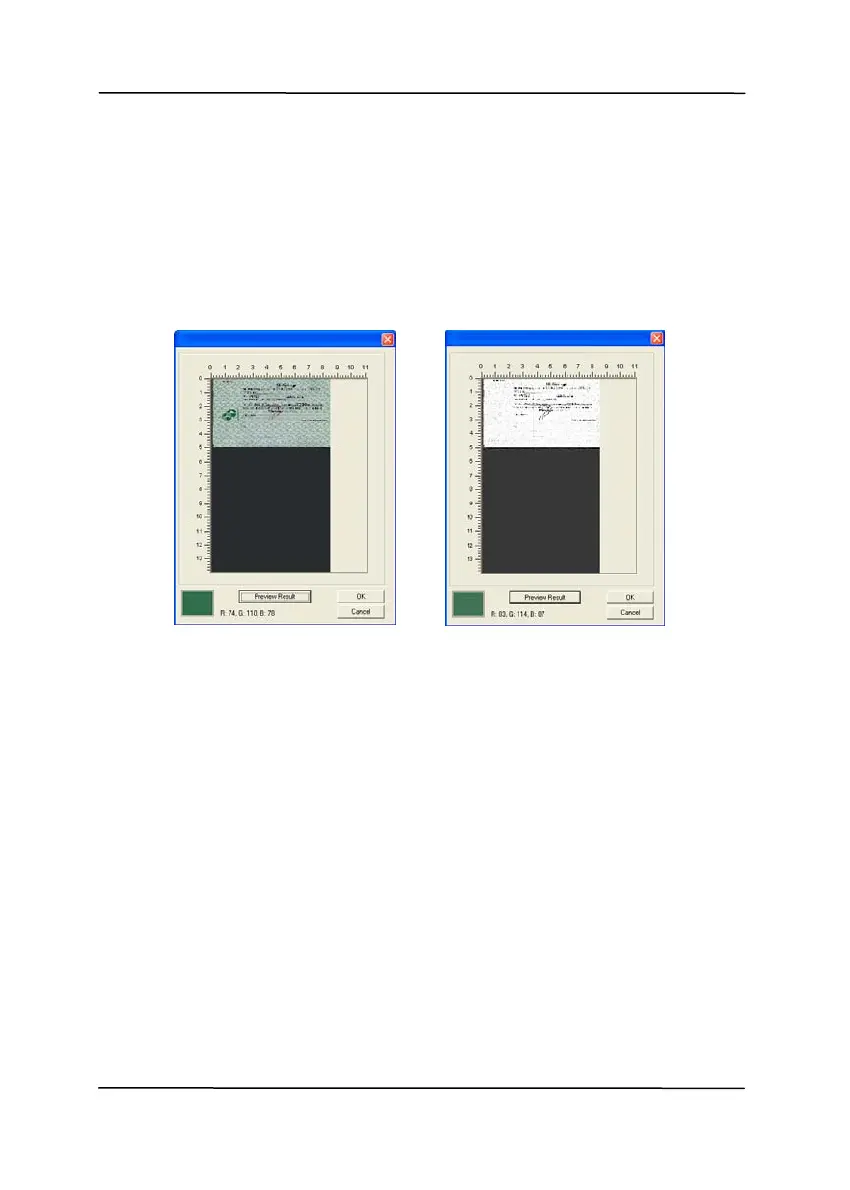
7. Move your cursor over the preview image. Your mouse
cursor now becomes an Eyedropper.
8. Click to select a color which you wish to remove.
9. Click and hold your mouse button to view the result
after removing the specified color. If the result is
satisfactory, click [OK] to close the Preview window.
The Preview Window The Color dropout result
4-31



 To Next Page